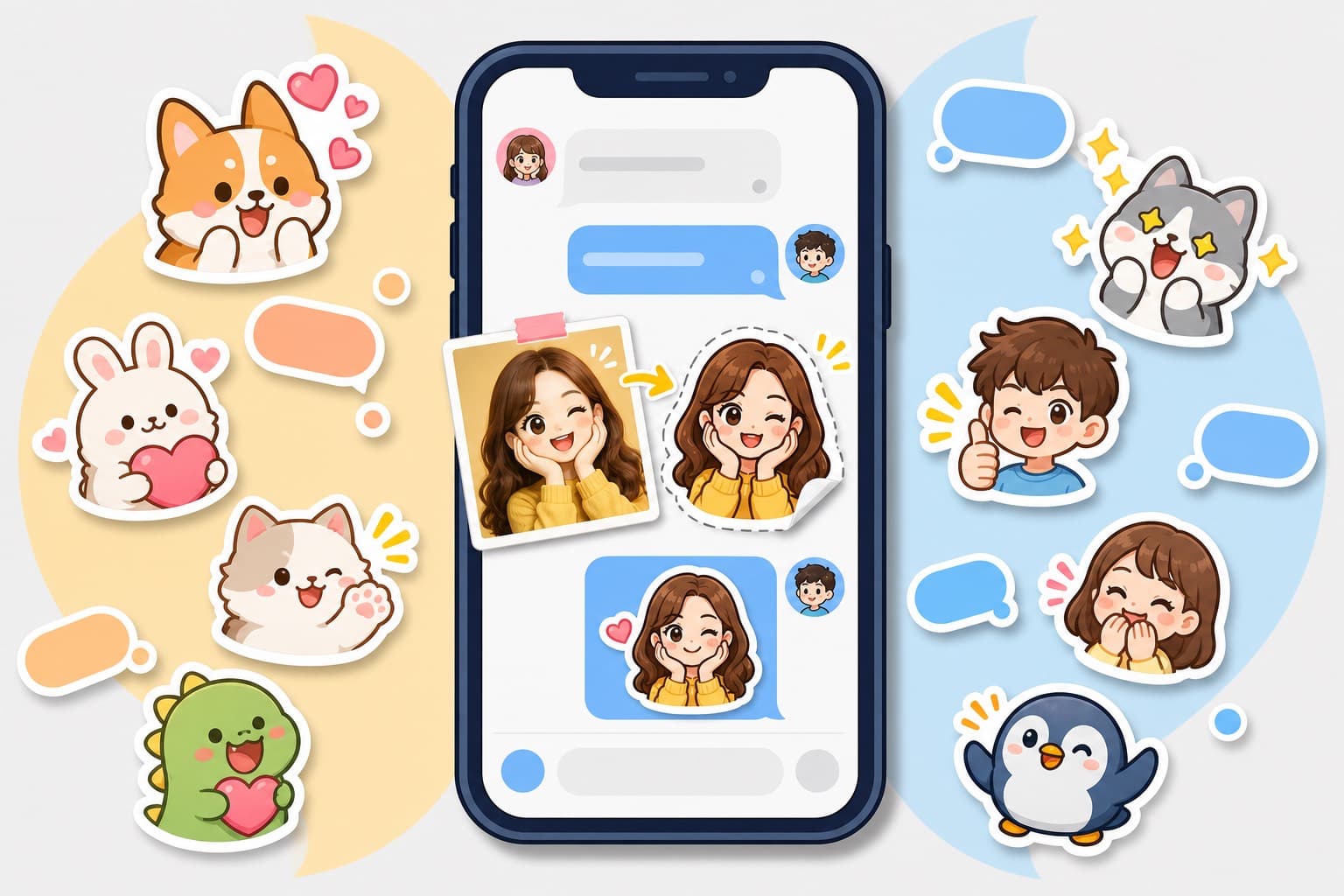
How to Make Facebook Messenger Stickers from Photos: Honest 2026 Guide
Messenger has stickers, AI stickers, and photo sending, but not a true photo-sticker pack importer. Here is the practical workflow and where KakaMeme fits.
The honest answer first: Facebook Messenger is great at sending stickers, GIFs, photos, and AI-generated stickers, but it is not a full custom sticker-pack publisher like Telegram or LINE. Meta's own Help Center says Messenger can send photos, voice messages, GIFs, stickers, or AI stickers up to 25 MB, and its AI sticker feature is prompt-based: you type a description in the sticker search field, then Messenger returns AI sticker options.
That means "make Messenger stickers from my photo" needs a different workflow. You do not import a 12-sticker pack into a Messenger sticker store. You create the sticker art first, keep it as transparent PNGs or shareable images, then use Messenger's photo, file, GIF, or sticker surfaces depending on the chat.
What Messenger can and cannot do
Messenger has three useful paths:
- Built-in stickers and GIFs: fast, but generic.
- AI stickers: good for one-off concepts, but prompt-based rather than photo-based, and people in the chat may see the text prompt.
- Photos/files: best for sending your own generated sticker images, because you control the character, face, and expressions.
The missing piece is a native "upload my selfie and save a full reusable sticker pack" flow. Instagram's Cutouts feature is closer to that idea, which is why the Instagram Cutouts guide is a separate post. WhatsApp also has a different sticker workflow, covered in the WhatsApp photo sticker guide.
For Messenger, think of the goal as chat-ready sticker images, not a public pack listing.
The best workflow: generate the pack outside Messenger
Start with a clear photo and generate the complete emotional range before you open Messenger:
- Upload one selfie, pet photo, couple photo, or group photo to KakaMeme's photo-to-sticker maker.
- Pick a style that reads at small chat size: thick outline, simple pose, clean background, strong expression.
- Generate a set of 12 reactions instead of one cutout: laughing, side-eye, thumbs-up, confused, proud, tired, sorry, and "wait what?"
- Download the transparent PNGs. Keep the best four in your phone favorites so they are easy to reach during a chat.
- In Messenger, send them as images or files when you want a custom reaction.
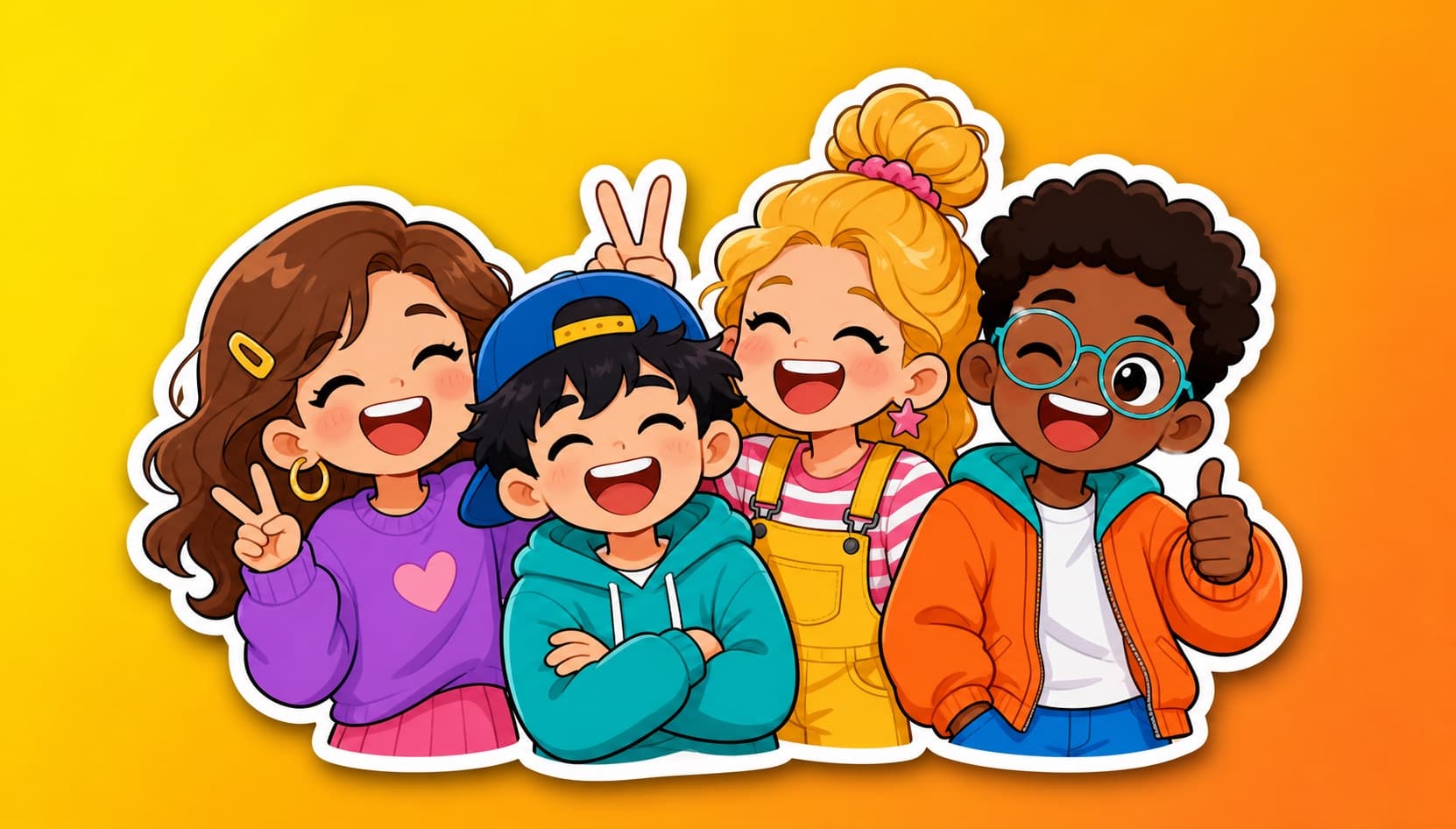
If the pack is for friends or family, a multi-character sticker pack can include everyone in one shared reaction set. If it is just your face, the face-to-sticker workflow is simpler.
Make it feel like a Messenger sticker, not a random image
Messenger chats are busy. A sticker that looks good in a gallery can become muddy in a bubble. Use these export rules:
- Keep the subject large and centered.
- Use transparent PNG when possible.
- Avoid tiny text; Messenger preview size will punish it.
- Keep contrast high enough for dark and light chat themes.
- Export around 512 px square unless you have a platform-specific reason.
The all-platform sticker size guide explains why 512 px is the safe starting point across most chat apps. Messenger itself has a broader 25 MB sending limit for photos, files, GIFs, stickers, and AI stickers, but "allowed to send" is not the same as "pleasant to use." Small, clean, fast-loading files win.
Where Messenger AI stickers fit
Messenger AI stickers are useful when the subject is imaginary: "tiny coffee cup celebrating Monday," "sleepy dragon in a hoodie," "goldfish side-eye." They are less useful when you need a real person to remain recognizable.
There are also privacy and etiquette issues. Meta's Help Center notes that chat participants may see the prompt behind an AI sticker, and it warns users to be careful with personal information in prompts. So do not put a friend's full name, phone number, private joke, address, or workplace into an AI sticker prompt.
For real faces, generate from a photo you have permission to use. The friend-photo consent guide is the better boundary article if someone else is recognizable.
Good Messenger sticker ideas
The best Messenger packs are practical, not decorative:
- Best friend reactions: "already knew," "say less," "be serious," "I'm outside."
- Family updates: safe trip, call me, proud of you, eating now, received.
- Pet pack: judging, hungry, sleepy, chaos, tiny apology.
- Couple pack: good morning, miss you, on my way, don't be mad.
- Work-safe pack: noted, shipping it, need five minutes, fixed.
For pets, start from pet stickers. For couple chats, use the couple sticker maker. For work chats, keep the tone close to the work group chat sticker guide.
Celebrity and fandom warning
Messenger private chats feel casual, but copyright and portrait rights do not disappear. Keep the three tiers straight: private fan use is the least risky, platform submission or public gallery use is likely to be rejected, and selling or using celebrity packs commercially creates real legal exposure. The celebrity sticker legal guide covers that boundary in detail.
For Messenger, the safe lane is original photos, pets, your own face, consenting friends, or fully original characters.
FAQ
Can I import a custom sticker pack into Messenger? Not in the way Telegram or LINE support pack publishing. Messenger can send stickers, AI stickers, photos, GIFs, and files; custom photo packs work best as generated images you send in chat.
Can Messenger AI stickers use my photo? Messenger's official AI sticker help describes a text-prompt flow from the sticker search field. Use a dedicated photo sticker maker when likeness matters.
What size should Messenger photo stickers be? Start around 512 px square, transparent PNG, with the subject large. Messenger can send larger files, but small clean stickers feel better in chat.
Can I make stickers of friends for Messenger? Yes, if they agree. Private group use is different from publishing or selling a pack.
Should I use Instagram Cutouts instead? Use Cutouts for Instagram Stories and chats. Use this Messenger workflow when the conversation is in Messenger and you want a reusable set of generated reactions.
More Posts
Free Online Sticker Maker — No App Download (2026)
Make a full sticker pack in the browser: no app, no watermark on your first pack, no subscription. What 'free' actually includes, honestly explained.
How to Make Memes with Your Own Face (Beyond the Templates)
Template memes are everyone's; memes starring you are yours. The difference between meme generators and sticker packs, and when each wins the group chat.
How to Make Stickers of Your Friends (Group Chat Legend Guide)
Inside jokes deserve stickers. Turn a squad photo into a pack where every friend is recognizable — the consent-friendly way to become the group chat legend.