Google Photos Can Make Stickers Now — Here's How (And What It Can't Do)
Google Photos added sticker creation from your pictures. The built-in flow on Android and iOS, honest limits, and when a full pack generator earns its keep.
 KakaMeme Editorial Team
Google Photos can turn a clear subject in a photo into a sticker. It is useful for a quick cutout; a set of different expressions needs a different workflow.
The built-in flow
Android: Most devices need current updates and at least 4 GB RAM. Open a photo, hold the highlighted subject, then choose Copy or Share. Google’s Android guide
iPhone/iPad: Requires iOS 17+. Open a photo, hold the subject and tap Copy sticker. Saved stickers appear in Collections → Stickers; full storage allows copying but prevents saving. Google’s iOS guide
The now-familiar pattern
Every platform shipped the same first step in 2025-2026: iMessage lifts subjects, Instagram has Cutouts, WhatsApp generates from text, and now Google Photos cuts out subjects. They all stop at the same wall:
- One photo, one frozen pose — an expression range means finding a photo per emotion
- Photo realism, no styling — it's a cutout, not a character
- No pack concept — twelve one-offs don't make a set
Where the pack generator takes over
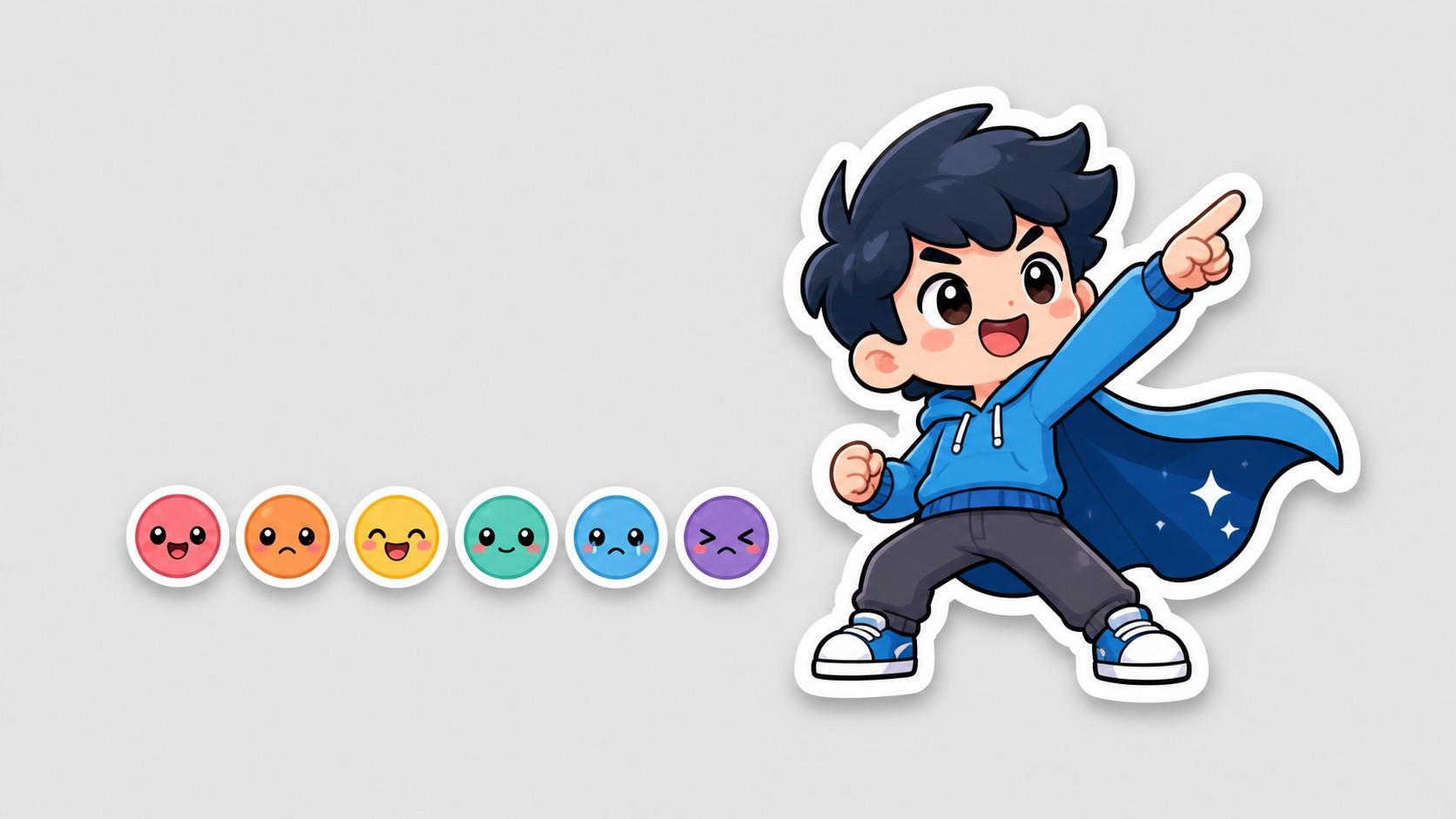
KakaMeme can generate a set of 12 styled expressions from a photo. Its PNGs are source artwork; follow the destination’s requirements before importing them as stickers.
Decision rule: cutout tools for moments that already happened; pack generation for the character version of you that reacts to everything.
FAQ
Is Google Photos stickers free? Yes, within the app.
Can I export Google Photos stickers to WhatsApp or Telegram? Copying or sharing an image does not automatically create a sticker pack in the destination app. Check that app’s add/import flow; KakaMeme also supplies source images rather than automatic cross-app installation.
Best photos for either path? Clear subject, good light — the same rules apply.
Turn this guide’s idea into stickers
Upload a character photo or describe your idea, then choose how to generate it.
Open the studio Upload a photo, write an idea or use the article’s example. This article has its own draft, separate from your home draft.