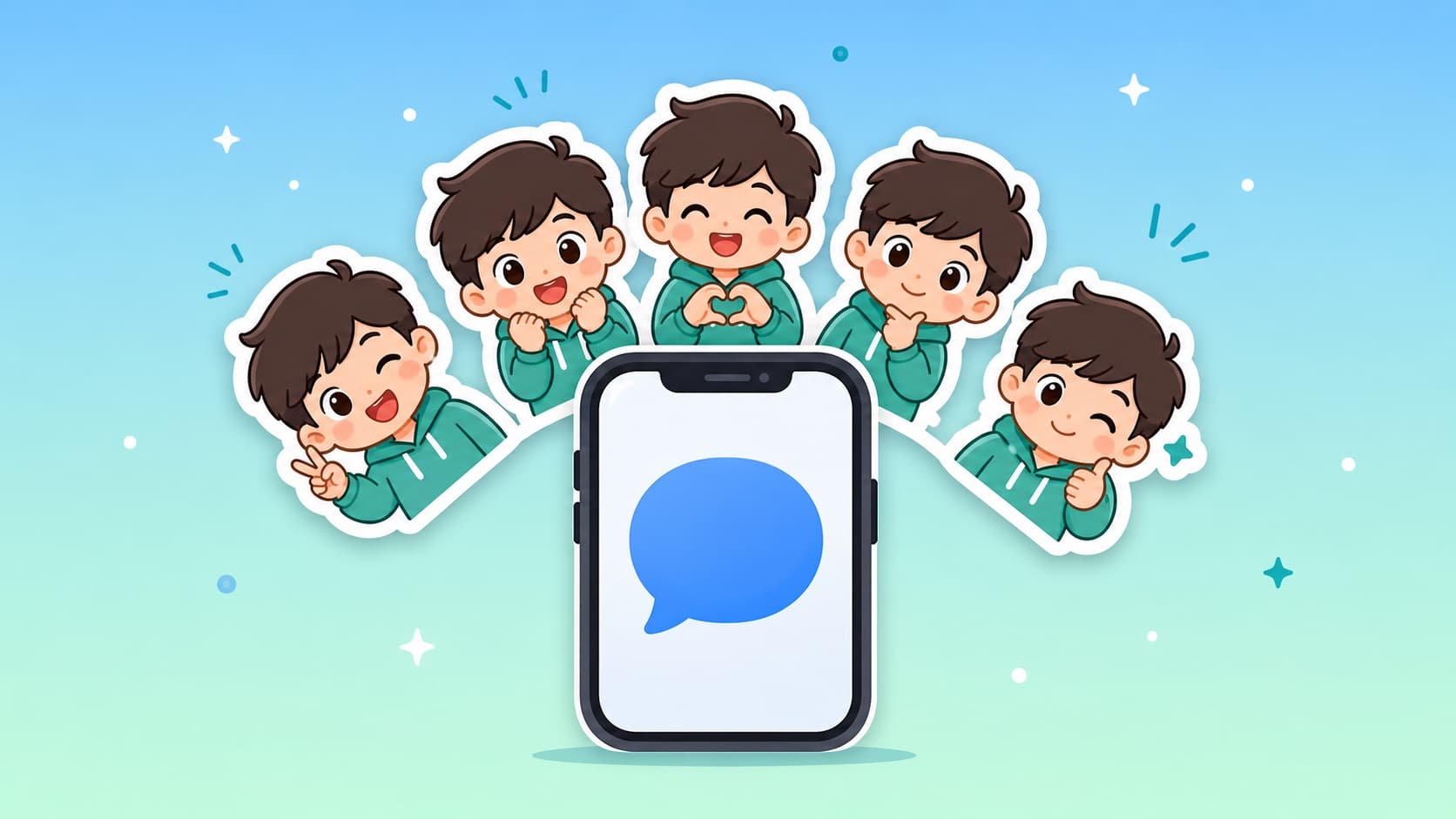
How to Make iMessage Stickers from a Photo (2026 Guide)
Turn any photo into a full iMessage sticker pack in about 5 minutes — no extra app needed on iOS 17+. Step-by-step guide with tips for the best results.
Since iOS 17, you can add any transparent image to iMessage as a sticker straight from the Photos app — no third-party keyboard, no separate sticker app. The only hard part is getting good sticker images. This guide shows the fastest way: turn one photo into a complete 12-sticker pack, then drop it into iMessage.
What you need
- An iPhone on iOS 17 or later
- One clear photo — a selfie, your pet, or a couple photo
- 5 minutes
Step 1: Turn your photo into a sticker pack
Open KakaMeme's photo-to-sticker generator in your browser and upload the photo. The AI extracts one consistent cartoon character that preserves the facial traits — so every sticker still looks like you — and generates 12 expressions in one batch: laughing, crying, thumbs-up, facepalm, and more.
Every sticker exports as a transparent-background PNG, which is exactly the format iMessage stickers need. If you prefer, you can skip the photo entirely and describe a character in words.
New accounts get free credits, enough for the first full pack.
Step 2: Save the stickers to Photos
Download your pack, then save the PNGs to your iPhone's Photos app. AirDrop from a Mac, or download directly on the phone — either works.
Step 3: Add them to iMessage
- Open Messages and any conversation
- Tap the + button next to the text field
- Choose Stickers
- Tap + in the sticker drawer and pick your images from Photos
Because the PNGs have true transparent backgrounds, they appear as clean die-cut stickers — no white box around them. You can now drag them onto any message bubble or send them like regular stickers.
Tips for better results
- Front-facing, well-lit photos give the best likeness. Glasses, beards, and distinctive hairstyles are preserved — they help recognition.
- Pets work brilliantly. A clear shot of your dog or cat becomes a 12-expression pet pack.
- Group photos are KakaMeme's specialty: a photo of you and your friends becomes a multi-character pack where everyone stays recognizable — something single-face tools can't do.
FAQ
Do I need to install an app? No. KakaMeme runs in the browser, and iOS 17's built-in sticker feature handles the rest.
Do the stickers work in other apps too? Yes — the same transparent PNGs work in WhatsApp, Telegram, Discord, and WeChat. See the iMessage sticker maker page for platform specifics.
Can I make animated stickers? Yes. KakaMeme can generate animated GIF versions of your pack, and iMessage supports animated stickers the same way.
Is it free? Registration gives you free credits for your first 12-sticker pack. After that it's pay-per-generation — no subscription.
Ready to try? Turn your photo into stickers now.
More Posts
Sticker Size Cheat Sheet: WhatsApp, Telegram, WeChat, Discord, iMessage (2026)
Every platform's sticker specs in one table — dimensions, formats, file-size limits, animated requirements — plus the export settings that satisfy all of them at once.


How to Make Stickers of Your Friends (Group Chat Legend Guide)
Inside jokes deserve stickers. Turn a squad photo into a pack where every friend is recognizable — the consent-friendly way to become the group chat legend.

Custom Slack Emoji of Your Team: The Remote-Culture Hack
Every strong Slack culture runs on custom emoji. Turn teammates into reaction emoji (with consent), the upload workflow, and why bold cartoon styles survive 22px.