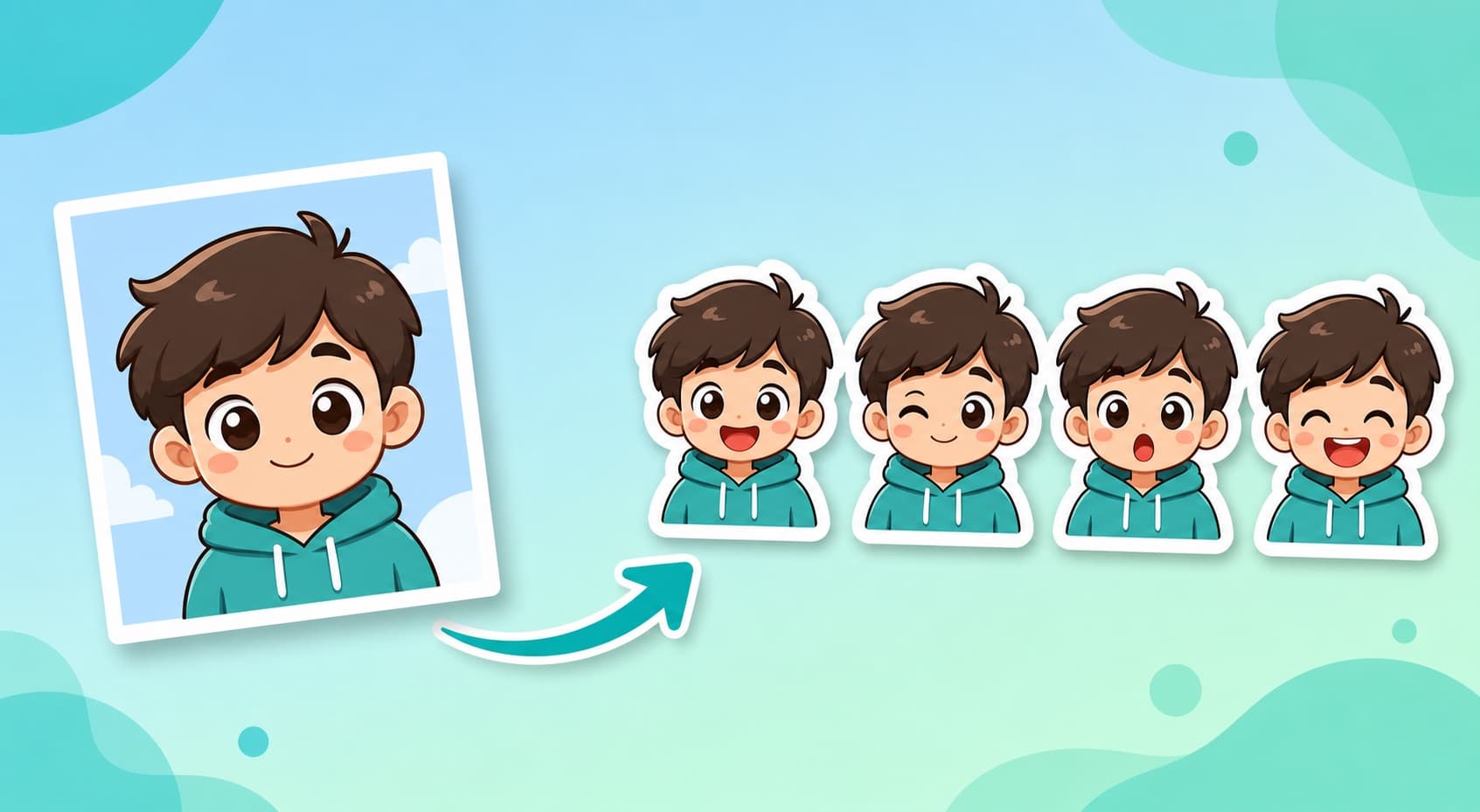
How to Make WhatsApp Stickers from Photos: 4 Workflows (2026)
Compare four photo-to-WhatsApp-sticker workflows by editing steps, pack workflow, conversion needs, and official file requirements.
A photo can become a WhatsApp reaction in several ways. The right workflow depends on whether you need one quick cutout, detailed manual editing, or a coordinated pack. Menus and import steps can vary by device and app version, so confirm the current controls before starting a large pack.
Method 1: WhatsApp's built-in sticker maker
On supported versions, open the sticker panel in a chat, choose the option to create a sticker, select a photo, and review the automatic cutout. You can then add text or drawing elements before sending it.
Good for: creating an individual photo sticker inside WhatsApp. Check: busy backgrounds, small details, and text placement before sending.
Method 2: Sticker-maker apps
Dedicated sticker apps usually combine cutout tools, borders, captions, pack organization, and a WhatsApp import step. Pack limits and import instructions can change, so follow the current documentation for the app you choose.
Good for: manually arranging a pack from several prepared photos. Check: how much edge cleanup and per-sticker editing the source images require.
Method 3: Design tools
Canva, Photoroom, and similar editors can help create decorative artwork or precisely positioned text. Prepare each square asset, keep important details away from the edges, and leave time for the final WhatsApp conversion and import steps.
Good for: users who want manual layout control. Check: transparency, dimensions, file size, and the final export format.
Method 4: Generate a coordinated pack from one photo
KakaMeme's WhatsApp sticker workflow generates 12 coordinated expressions from one photo reference and provides transparent PNG downloads. A separate multi-character workflow is available for group references.
Generation results vary with the source image and model output. Review every sticker for resemblance, edges, text, and style before sharing it. KakaMeme's PNG downloads are editable source assets; they still need conversion and validation before WhatsApp pack import.
WhatsApp's official sticker file requirements
According to WhatsApp's official sticker documentation, sticker files must be WebP. PNG files can be a conversion source, but they are not the final sticker files described by the official pack specification.
- Each sticker must be exactly 512 × 512 px with a transparent background.
- A static WebP sticker must be 100 KB or smaller.
- An animated WebP sticker must be 500 KB or smaller.
- The tray icon must be 96 × 96 px and 50 KB or smaller.
After conversion, inspect the final WebP files rather than relying on the PNG source dimensions or appearance.
FAQ
Which workflow should I use for a full pack? Choose according to the amount of manual control you need. Batch generation can reduce repeated creation work, but conversion, validation, and import are still separate steps.
Will an AI pack always look like the person in the photo? No. Resemblance can change with image clarity, angle, lighting, and generation output. Review all 12 images before converting or sharing them.
Can a GIF become an animated WhatsApp sticker? It can be used as a source, but the final asset must be an animated WebP that satisfies WhatsApp's size, dimensions, transparency, and animation requirements. Verify the converted file before import.
Why might a pack fail to import? Check the final WebP format, exact dimensions, file-size limit, transparent background, and tray icon. Also follow the current instructions of the import app and WhatsApp version you use.
More Posts
How to Turn Kids' Drawings into Sticker Packs (2026 Parent Guide)
A child's drawing can become a reusable family chat sticker pack. Here is the photo workflow, cleanup checklist, privacy notes, and prompts that keep the charm.

How to Make WeChat Stickers from a Photo (2026)
Make personal WeChat stickers (表情包) in 5 minutes: one photo becomes 12 recognizable, transparent stickers you add with a long-press. Includes WeChat Sticker Open Platform tips.
How to Turn Your Dog or Cat into a Sticker Pack (2026)
Your pet already has 12 moods a day — give them 12 stickers to match. A 5-minute guide to turning one pet photo into a full chat sticker pack, plus what photos work best.