How to Make LINE Stickers for Private Chats: 8-Pack Guide (2026)
LINE personal stickers are great for couples, pets, and family chats, but they still pass through LINE's creator flow. Here is the honest private-use workflow.
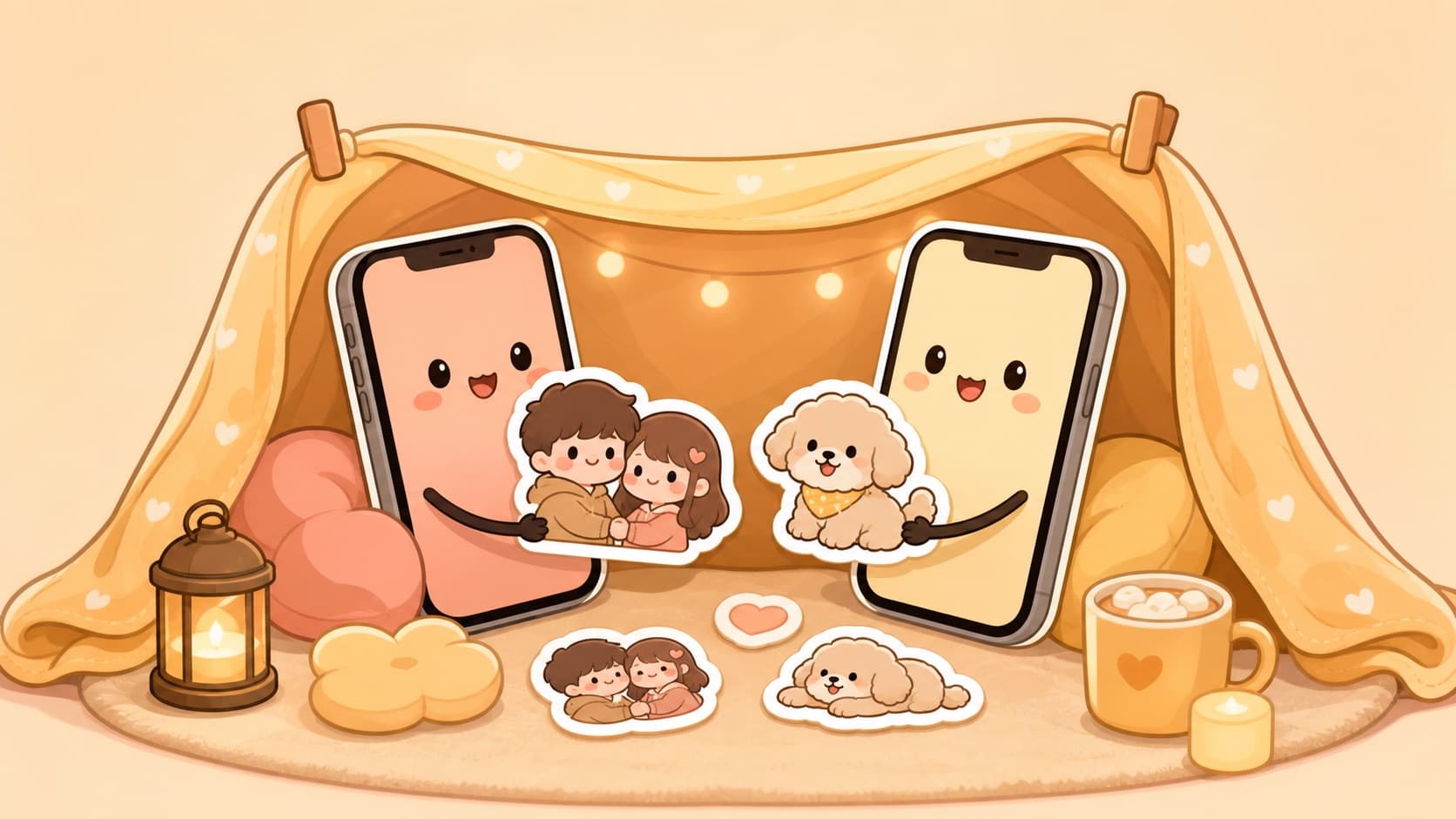
Not every LINE sticker pack needs to become a business. Sometimes the best pack is eight reactions of your dog for the family chat, your partner's "I knew it" face, or a friend group's inside joke that would make no sense in the public store.
LINE can support that kind of personal pack, but the workflow is not as private as Telegram or Signal. You still go through LINE's creator submission flow, and privacy settings control whether the pack appears in LINE STORE or the Sticker Shop. This guide focuses on the honest private-chat version, while the separate LINE sticker selling guide covers public sales and revenue.
The key LINE caveat
LINE is built around sticker distribution, not local-only sticker folders. Official LINE guidelines ask for a real sticker set: 8, 16, 24, 32, or 40 sticker images, a 240 × 240 main image, and a 96 × 74 chat thumbnail. Static sticker images are PNG files up to 370 × 320 px, with transparent backgrounds and a 1 MB per-image limit.
That is friendly to creators, but it also means "private LINE stickers" are not the same as "I drag any photo into a chat and only my partner sees it." Treat it as a small creator submission that you keep out of public browsing.
Step 1: Pick a private-pack concept
For personal LINE packs, small and specific beats generic. Good concepts:
- Couple pack: yes/no, miss you, good night, on my way, don't be mad
- Pet pack: hungry, judging, sleepy, proud, chaos mode, tiny apology
- Family pack: ok, received, call me, eat first, safe trip, good morning
- Friend-group pack: inside jokes, gaming reactions, travel memories
If you want a romantic pack, pair it with the couple sticker gift guide. If the subject is a pet, the pet sticker workflow is faster than collecting eight different photos manually.
Step 2: Generate eight or twelve stickers first
LINE's minimum is eight stickers, but generating twelve gives you room to cut weak ones. Upload one clear photo to KakaMeme's photo-to-sticker tool and generate a consistent set. Keep:
- The eight reactions your chat will use every week
- One clean cover-style face for the main image
- One simple small silhouette or face for the chat thumbnail
The point is consistency. A LINE pack made from eight random cutout photos can look like a scrapbook. A generated pack keeps the same character, outline, lighting, and emotion range. If the pack includes multiple friends, use multi-character stickers so the faces still match across the set.
Step 3: Resize to LINE's static sticker specs
For a static LINE pack, prepare:
- 8 sticker PNGs, each no larger than 370 × 320 px
- 1 main image at 240 × 240
- 1 chat thumbnail at 96 × 74
- Transparent backgrounds
- RGB color
The platform size guide explains why LINE's sticker canvas is wider than WhatsApp's 512-square world. Do not stretch your art to fill every pixel. Leave enough breathing room so the sticker reads inside a chat bubble.
Animated LINE stickers are possible, but they belong in a second pass. Start with static. Once people actually use the pack, turn the best reactions into motion with the animated sticker guide.
Step 4: Submit without making it a public product
Create or open your LINE Creators account, then submit the sticker set. During the creator flow, use LINE's privacy controls to hide the pack from LINE STORE and the Sticker Shop if your goal is personal use. The exact wording can vary between LINE Creators Market and the Sticker Maker app, but the idea is the same: keep discovery off, then use the pack only with the intended people.
Because this still touches LINE's review system, do not upload content you would be uncomfortable having reviewed. That includes private jokes that rely on someone else's face without consent, screenshots, celebrity photos, or logos.
Faces, friends, and celebrity risk
Your own face is the cleanest subject. Pets are even cleaner. Friends are fine when they agree, especially for private chat use, but public distribution changes the risk. The friend portrait-rights guide has the practical version of that boundary.
For celebrity or idol packs, keep the three tiers straight: private fan use is the least risky, store submission will likely fail review, and commercial use is where real legal cases appear. Do not sell, commission, or publish a pack made from celebrity photos. Use the celebrity sticker legal guide before you touch that category.
When should you sell instead?
If the pack is original, not based on private photos, and could make sense to people outside your chat, publish it properly and read the LINE selling guide. Revenue is not magic, but LINE is one of the few sticker platforms where a good niche pack can earn money over time.
For family, couples, and close friends, though, the win is not revenue. It is the moment someone sends a sticker that could only belong to your group.
FAQ
Can LINE stickers be completely private? Not like a local folder. LINE uses a creator/review flow, but privacy settings can keep a set hidden from public store discovery.
What is the minimum number of LINE stickers? Static creator sets can use 8, 16, 24, 32, or 40 sticker images. Start with eight for a private pack.
Can I use real photos? Use your own photos or photos you have permission to use. If a friend is recognizable, ask first.
Can I make a private celebrity sticker pack? Private fan use is one tier; store submission and commercial use are different risk tiers. Do not publish or sell celebrity-photo packs.
Should I use LINE Sticker Maker or KakaMeme? LINE Sticker Maker handles submission. KakaMeme is for generating the consistent sticker art first, which is the part most people struggle with.
Author
Categories
More Posts
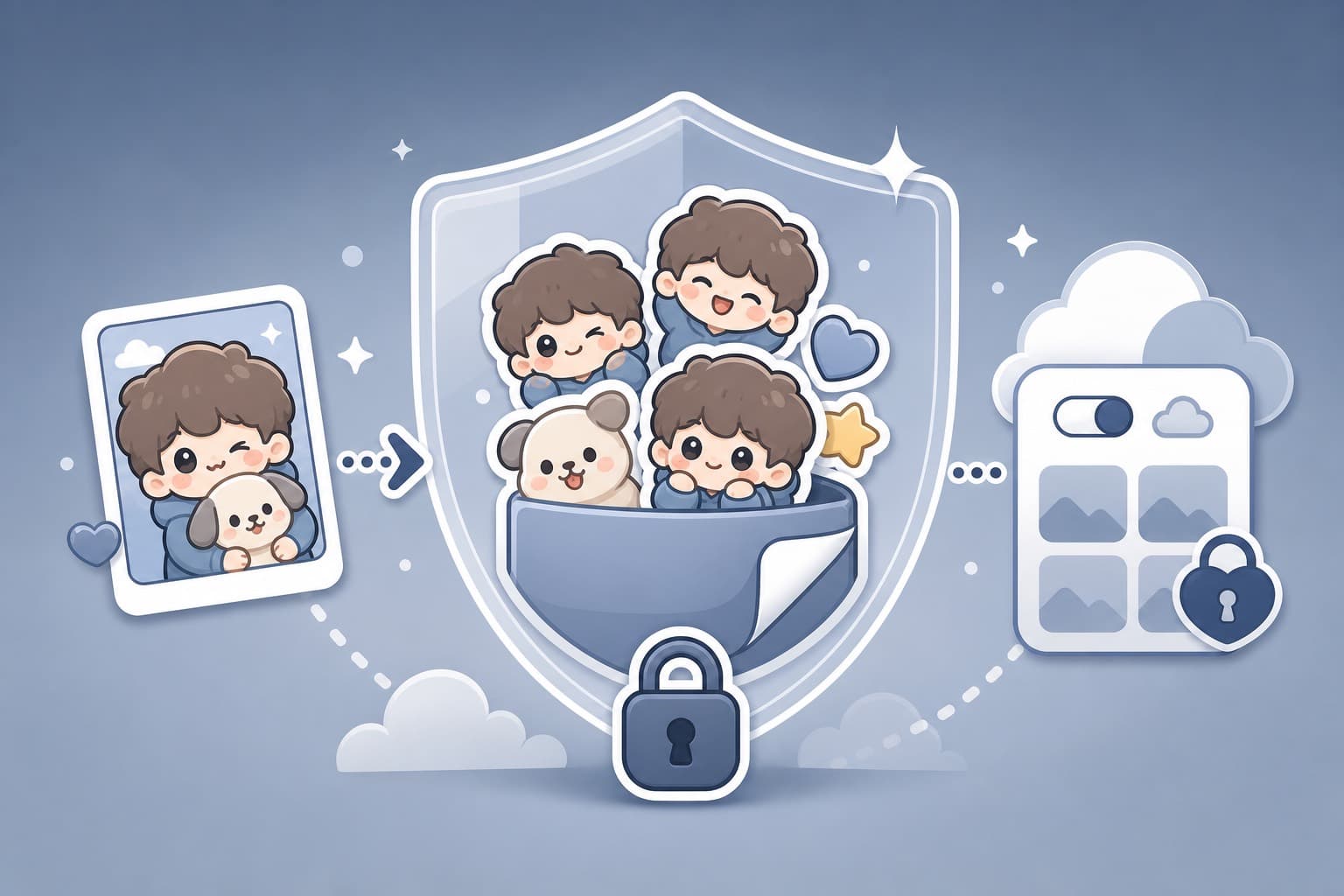
AI Sticker Privacy: What Happens to Your Photos? (2026 Checklist)
Before uploading faces, family photos, or brand assets to an AI sticker maker, use this privacy checklist: storage, third parties, public galleries, deletion, and consent.
How to Make Memes with Your Own Face (Beyond the Templates)
Template memes are everyone's; memes starring you are yours. The difference between meme generators and sticker packs, and when each wins the group chat.
Custom TikTok Stickers: Add Your Own to Videos and Comments (2026)
TikTok's sticker game has two arenas — video overlays and comment stickers. How to get your own face into both, plus what creators do with branded sticker sets.