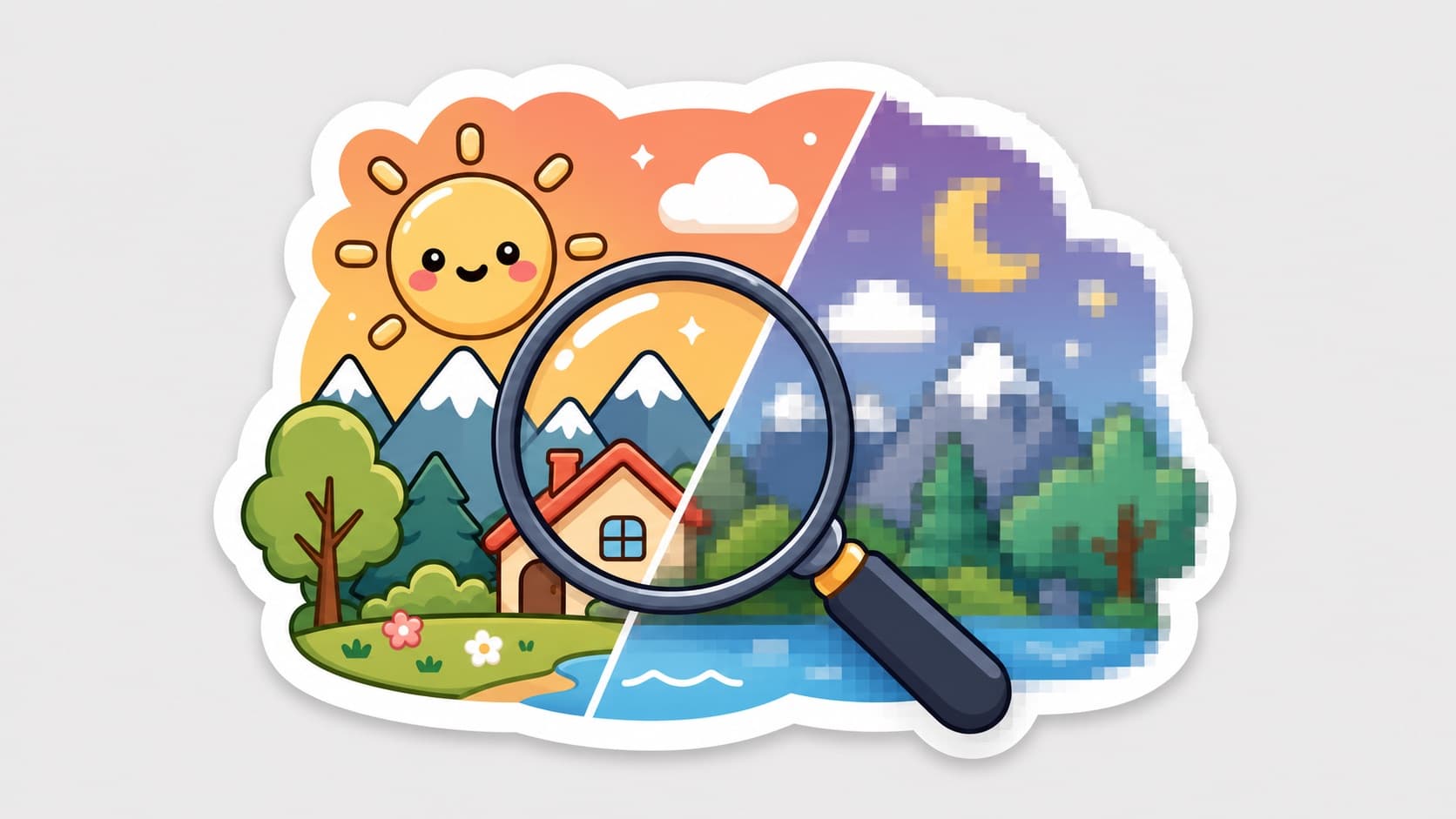
Why Do Your Stickers Get Blurry? The HD Sticker Guide
You saved an HD image; the chat received a mosaic. The culprit is the sending channel, not the file. Sticker-channel vs image-channel, per-app anti-compression tactics, and HD source specs.
The most common sticker injustice: your saved image is crisp, but the group chat receives a mosaic. Most people blame the file. The real culprit is the sending channel — the same image travels very differently depending on how you send it.
The core mechanic: sticker channel ≠ image channel
Inside WhatsApp, WeChat, and most chat apps, "stickers" and "images" ride separate pipelines:
- Image messages: aggressively compressed (mobile-data economics)
- Sticker-tray sends: lightly compressed or untouched — stickers are treated as small, high-frequency assets
So the single highest-value move: save it as a sticker and send from the sticker tray, instead of sending it as a photo.
The anti-blur checklist
Creation:
- Source in transparent PNG (lossless), never JPEG — generation pipelines default to this
- ~512×512 is the sweet spot: smaller upscales blurry, oversized triggers forced compression (per-platform specs)
- Bold-outline styles are naturally compression-resistant — thin lines and gradients blur first
Sending: 4. Add to sticker tray first; send from there 5. Use the "original/HD quality" toggle when sending source files to friends 6. Never screenshot someone's sticker to reshare — every hop stacks compression (how images grow patina)
Collecting: 7. When you receive a good sticker, add-to-stickers rather than save-image-then-resend — adding references the original asset; save-and-resend rides the image pipeline again
Animated GIFs, the special case
GIFs get compressed hardest. Keep 8-16 frames, 1-2 second loops, subject large and centered; choose simple motion — particle effects turn to noise under compression.
FAQ
Why are their stickers crisp and my forwards blurry? They send from the sticker tray; you save-and-resend as images. Add-to-stickers equalizes it.
Can blurry stickers be fixed? AI upscaling guesses some detail back, but the data is gone — get the source file, or regenerate in HD.
More Posts
Why Sticker-Pack Posts Outperform on Social (And How Creators Use Them)
'I made stickers of my boyfriend' posts reliably outperform on visual platforms. The anatomy of the format: grid covers, relationship hooks, and the commission funnel.

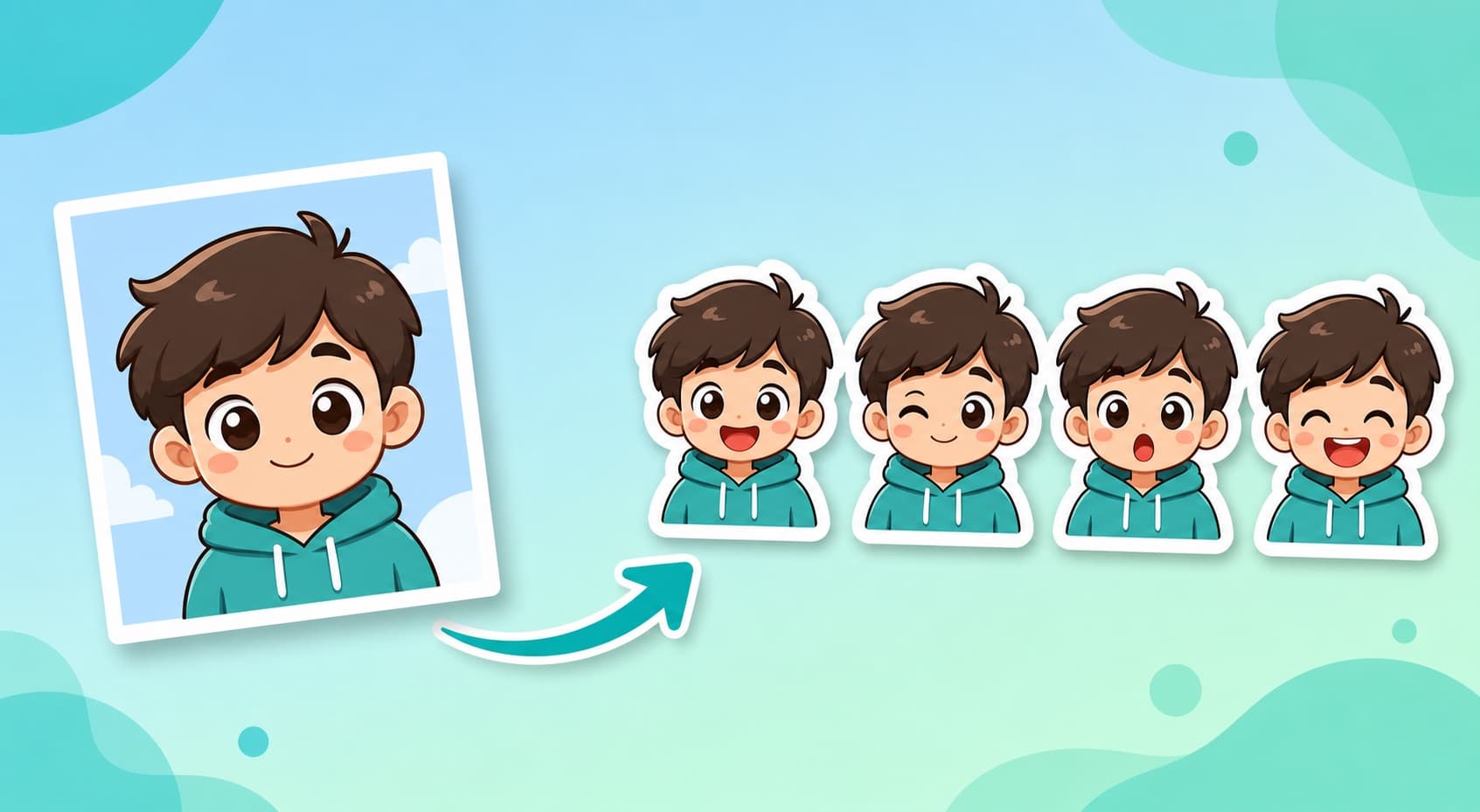
How to Make WhatsApp Stickers from Photos: 4 Workflows (2026)
Compare four photo-to-WhatsApp-sticker workflows by editing steps, pack workflow, conversion needs, and official file requirements.
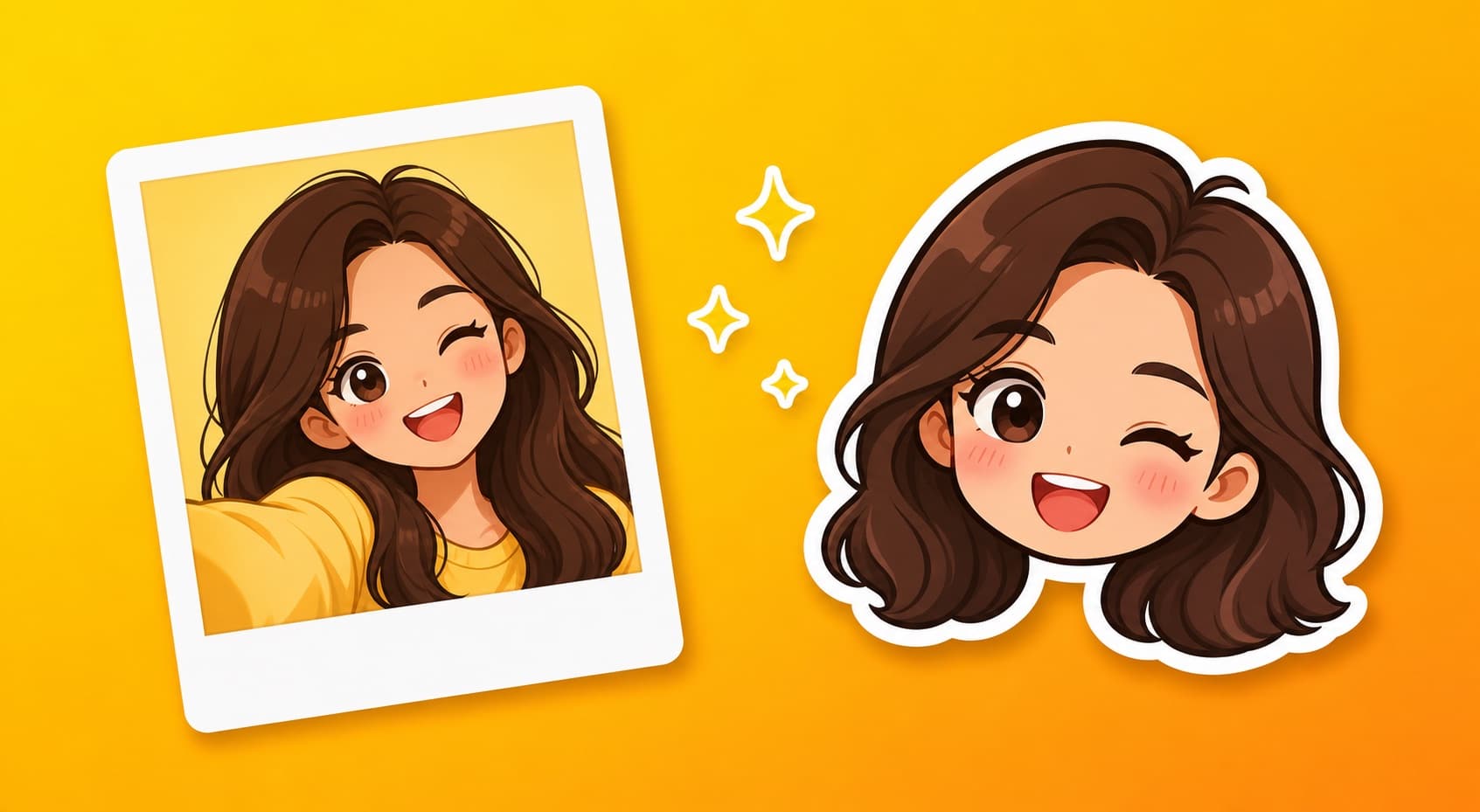
How to Make an Emoji of Yourself from a Photo (Genmoji Alternative, 2026)
Genmoji is iPhone-only and makes one emoji at a time. Here's how anyone — Android, iPhone, or desktop — turns a selfie into a full 12-expression sticker pack.