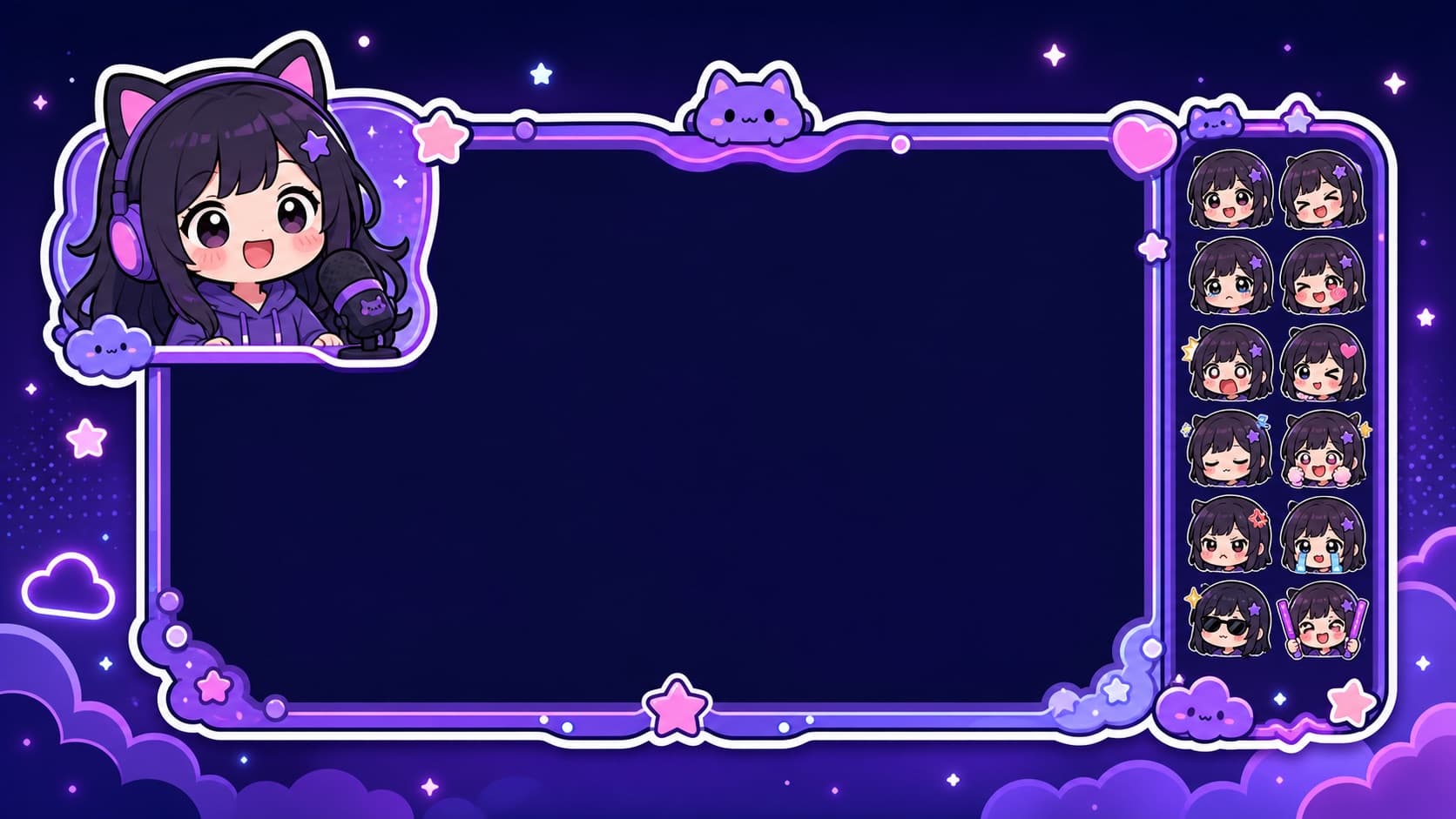
How to Make Twitch Emotes from a Photo (112×112 Rules + Upload Guide)
Your face at 28 pixels: how to make Twitch emotes that stay readable, the three required sizes, affiliate upload steps, and why bold cartoon styles win.
Twitch emotes are the tightest design constraint in the sticker world: your face, rendered at 28 pixels in chat, needs to read instantly. That constraint is exactly why streamers pay commission artists for emote sets — and why the sticker-optimized generation style (bold outlines, exaggerated expressions) happens to be the right raw material.
The three sizes Twitch requires
Every emote uploads in three sizes: 112×112, 56×56, and 28×28 (Twitch auto-generates the smaller two from a good 112). Format: PNG with transparency, under 1 MB. Affiliates start with a handful of emote slots and grow them; Partners get more.
The emote-worthy expressions
Emote sets follow a canon — viewers expect these reactions:
- Hype (the celebration face) — your most-used emote
- LUL-style laugh — big, readable at any size
- Sadge — the exaggerated pout
- Pog — shocked delight
- The stare — deadpan judgment for chat's nonsense
The pipeline
- Generate the source pack: one photo through the face-to-sticker maker — 12 exaggerated expressions with your identity preserved. The bold-outline cartoon output survives the 28px shrink; photo cutouts don't.
- Pick the 5 canon expressions above and crop tight to the face — at emote size, face is everything; body is noise
- Resize to 112×112 (any batch resizer; from 512px sources this is lossless-feeling)
- Upload: Creator Dashboard → Viewer Rewards → Emotes; name them with your prefix (
yournamePog)
Same source pack covers your Discord server — one generation, two communities.
Why not commission an artist?
Commission sets are gorgeous and cost $15-40 per emote with wait times. The honest position: start with generated emotes on day one, commission your top 2-3 signature emotes once the channel earns it. Emotes should evolve with the channel, not gate it.
FAQ
Do generated emotes pass Twitch review? Emote review checks content policy (no violence/hate/sexual content), not production method.
Animated emotes? Partners+ can upload GIFs — animated exports convert directly.
Sub-badges too? Same pipeline, even tighter crops — badges render at 18px, so use the simplest shapes.
More Posts
Custom TikTok Stickers: Add Your Own to Videos and Comments (2026)
TikTok's sticker game has two arenas — video overlays and comment stickers. How to get your own face into both, plus what creators do with branded sticker sets.

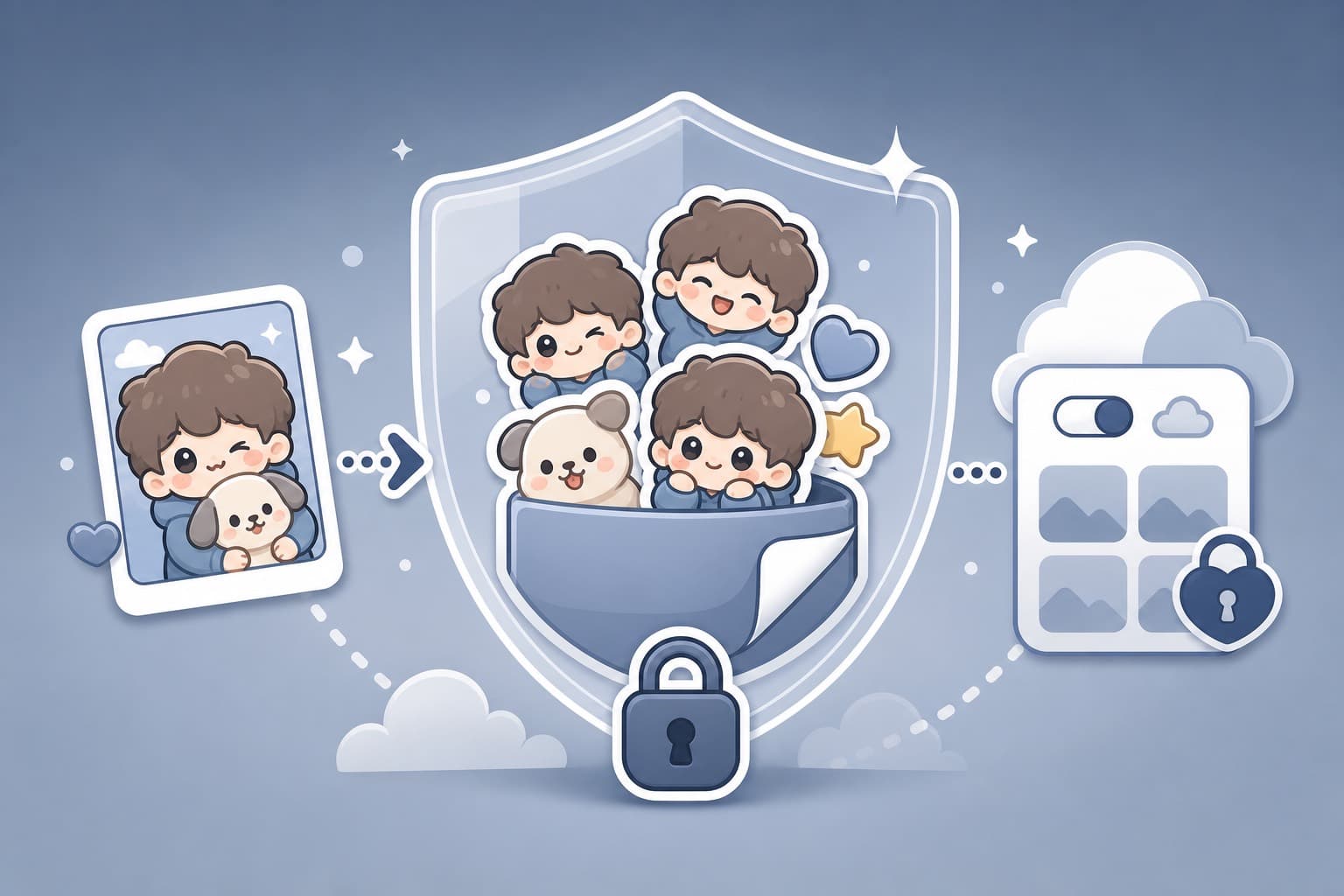
AI Sticker Privacy: What Happens to Your Photos? (2026 Checklist)
Before uploading faces, family photos, or brand assets to an AI sticker maker, use this privacy checklist: storage, third parties, public galleries, deletion, and consent.
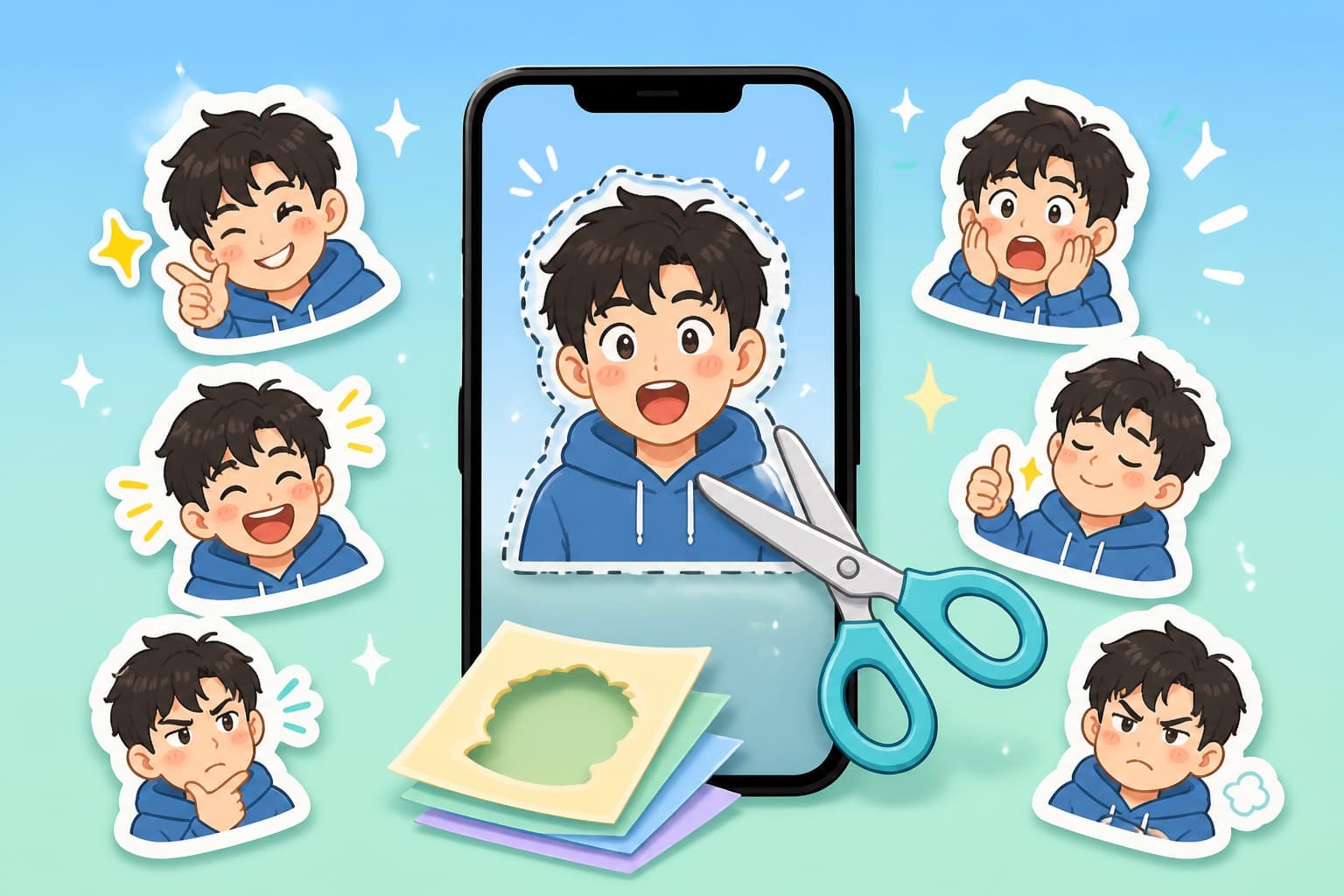
How to Make Snapchat Custom Stickers from Photos: Scissors vs AI Packs (2026)
Snapchat's Scissors tool is great for one cutout sticker. Here is how to use it, when it is enough, and when to generate a full reaction pack first.