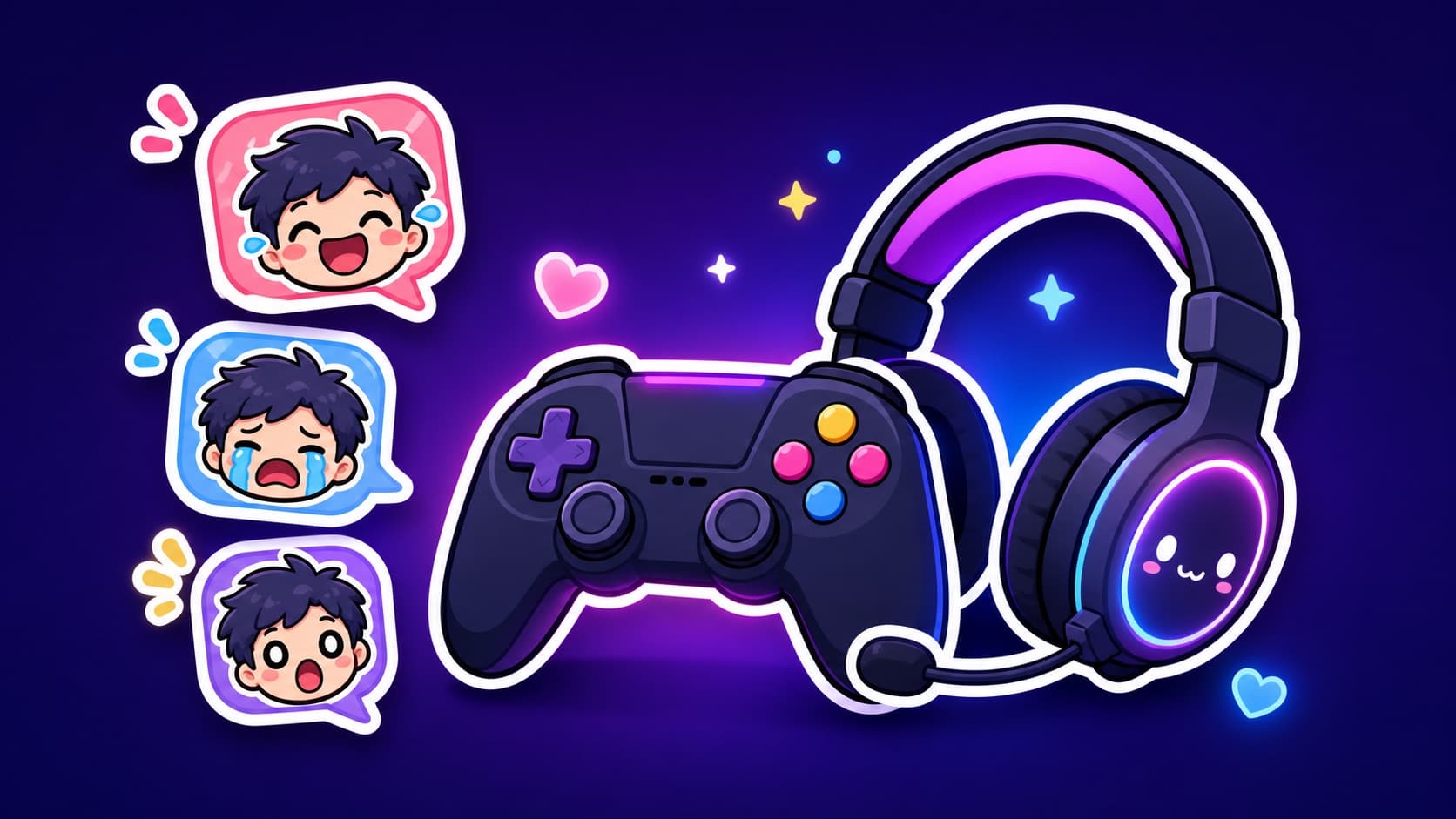
Custom Discord Stickers & Emotes from One Photo (Server Guide)
Give your server stickers nobody else has: turn member photos into packs, use them as both stickers and emotes, and mind the boost-level slots.
A Discord server with custom emotes feels like a place; a server whose emotes are the actual members feels like home. Here's the pipeline for member-based stickers and emotes, plus the slot math so you don't hit the boost wall unprepared.
Stickers vs emotes (same images, two uses)
- Stickers: large, expressive, sent like images — 320×320 display, ≤512 KB
- Emotes: inline in text — rendered tiny, so bold shapes survive, subtle details don't
The same transparent PNG works for both; Discord auto-scales. Bold cartoon styles read perfectly at emote size — thin-line art turns to mush.
The member-pack pipeline
- Grab a clear photo of the member (with their blessing — ground rules)
- Run it through the Discord sticker maker — 12 expressions, one consistent character
- Server Settings → Stickers (needs Manage Expressions): upload, name, done
- For emotes: Server Settings → Emoji, upload the same PNGs
A group photo of the mod team becomes a multi-character pack — the whole staff reacting in one frame.
Slot math (so you plan the pack)
| Boost level | Sticker slots | Emote slots |
|---|---|---|
| None | 5 | 50 |
| Level 1 | 15 | 100 |
| Level 2 | 30 | 150 |
| Level 3 | 60 | 250 |
No boosts? Pick the 5 most-used expressions from the pack — laughing, crying, thumbs-up, shocked, facepalm cover 90% of traffic.
FAQ
GIF emotes? Animated emotes need boosts to use server-wide; KakaMeme's GIF export works once slots allow.
Best art style for emotes? Bold outlines and big expressions — exactly what sticker-optimized generation produces.
Can members without Nitro use them? Custom stickers/emotes are usable inside your server by everyone.
More Posts

Graduation Sticker Packs: The Class Group Chat's Last Ritual
The class group chat will go quiet — it always does. A sticker pack starring your actual classmates is the one thing that keeps it alive. The full graduation-season playbook.
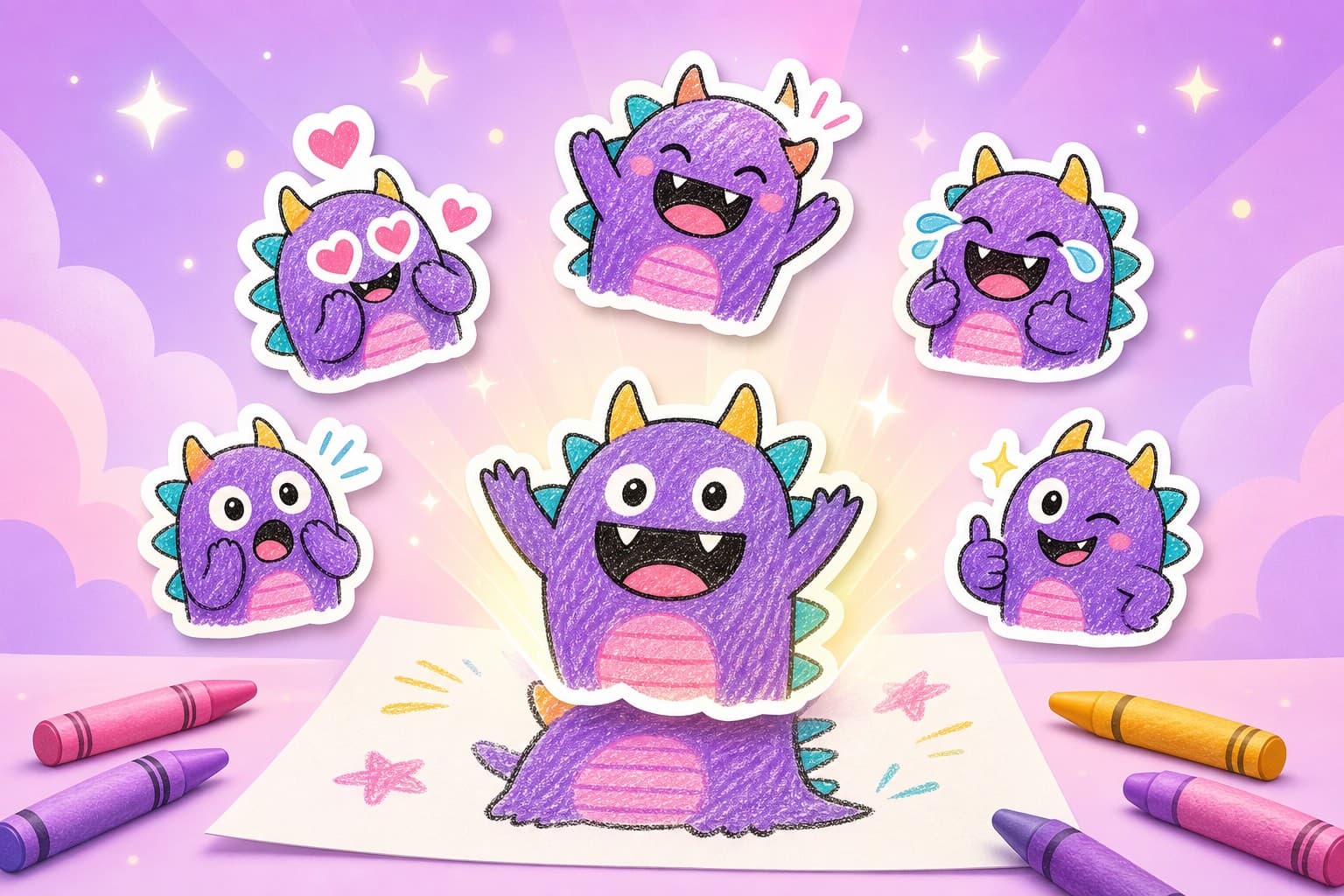
How to Turn Kids' Drawings into Sticker Packs (2026 Parent Guide)
A child's drawing can become a reusable family chat sticker pack. Here is the photo workflow, cleanup checklist, privacy notes, and prompts that keep the charm.
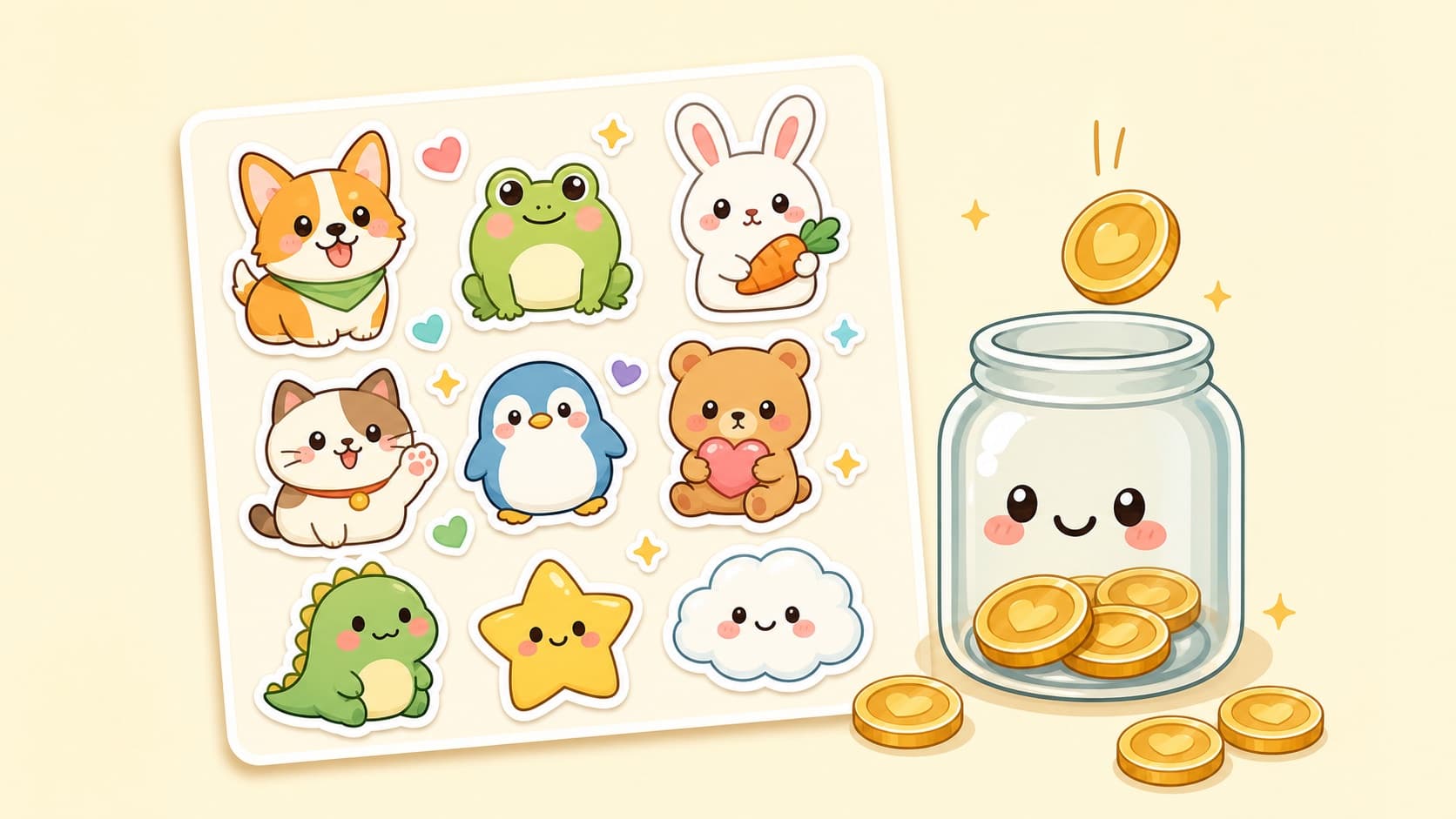
Can You Make Money Making AI Stickers in 2026? An Honest Guide
The realistic economics of AI sticker packs: tip-based sticker stores, custom commissions, and audience building — what actually pays and what's hype.