How to Make a Telegram Sticker Pack from Photos (No Bot Skills Needed)
Telegram packs get a shareable t.me link anyone can add — built-in virality. Here's the photo-to-pack pipeline plus the @Stickers bot walkthrough, step by step.
Telegram has the best sticker culture of any chat app, and one killer mechanic: every pack gets a public t.me link. Make a good pack and it spreads on its own — friends add it, their friends see it, the link travels. Here's the full pipeline: generate the stickers from a photo, then publish through Telegram's official @Stickers bot.
Step 1: Generate the stickers
Telegram wants transparent-background images, 512 px on one side. Instead of cutting out 12 photos by hand, upload one photo to the Telegram sticker maker:
- The AI extracts a consistent character that keeps your facial identity
- It generates 12 expressions in one batch — the emotional range a real pack needs
- Everything exports as transparent PNGs at the right size
A group photo works too — it becomes a multi-character pack where each friend stays recognizable.
Step 2: Publish with the @Stickers bot
- In Telegram, search for the official @Stickers bot and press Start
- Send
/newpackand name your pack - Send each PNG as a file (not compressed photo), then reply with an emoji for it
- Repeat for all 12, then send
/publish - Pick a short link name — your pack now lives at
t.me/addstickers/YourName
Share that link anywhere; one tap adds the whole pack.
Pro tips
- Emoji mapping matters: assign accurate emojis — Telegram suggests your sticker when someone types that emoji
- Pack naming is discoverable: descriptive beats cute for search
- Animated packs: generate GIF versions, convert to WEBM (VP9, ≤3s, 512px) with any free converter, then use
/newvideopack
FAQ
Is the @Stickers bot official? Yes — it's Telegram's own bot, and publishing is free.
Can my friends edit the pack? No, only the creator can add/remove stickers — but anyone with the link can use it.
What format does Telegram require? PNG or WEBP with transparency, 512 px on the longest side, under 512 KB.
More Posts
QQ Sticker Guide: Photo to Custom Stickers for China's Meme Battleground
QQ group chats are where sticker battles actually happen. How to turn a photo into a 12-sticker arsenal, add custom stickers on mobile and desktop, and QQ vs WeChat rules.

Custom TikTok Stickers: Add Your Own to Videos and Comments (2026)
TikTok's sticker game has two arenas — video overlays and comment stickers. How to get your own face into both, plus what creators do with branded sticker sets.
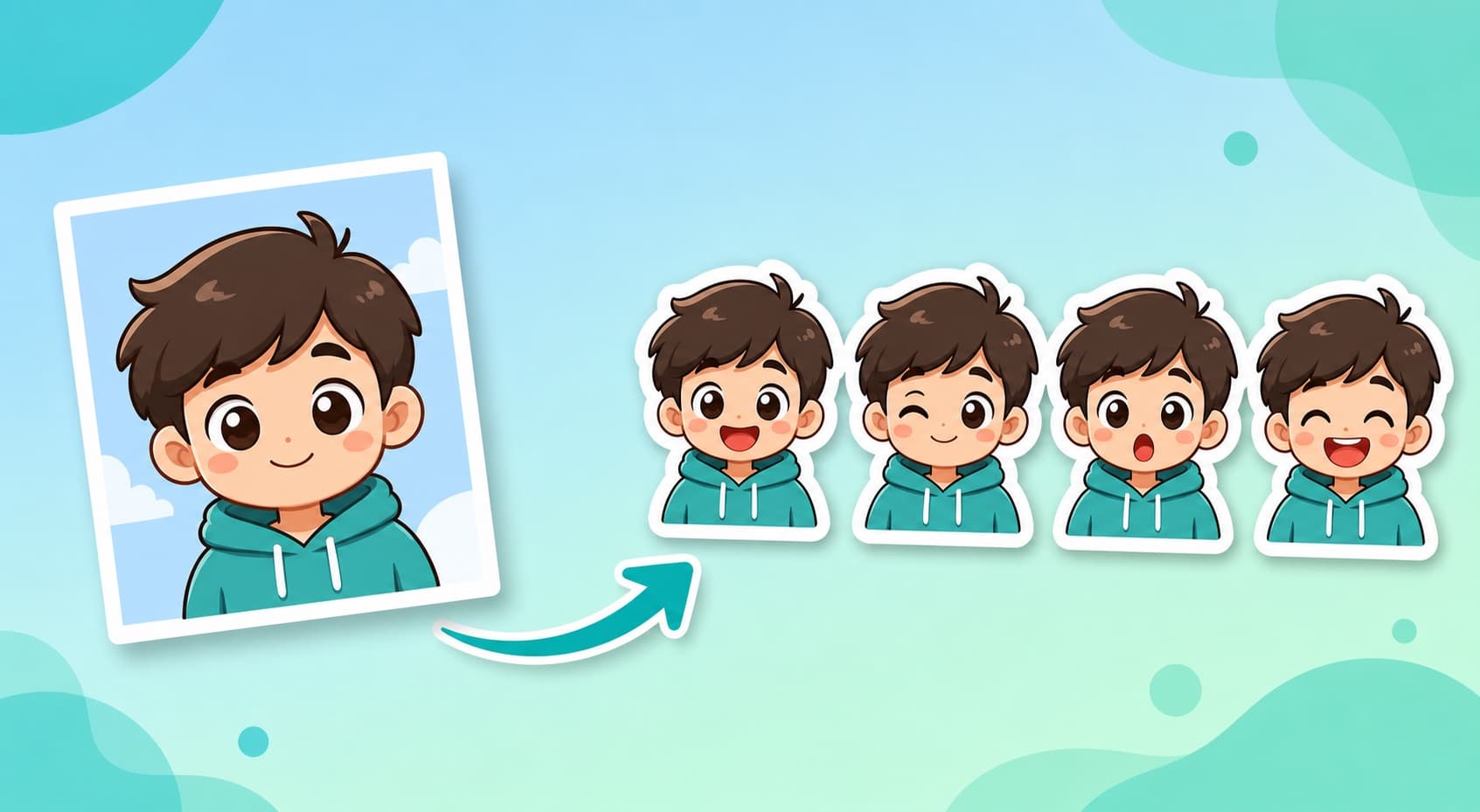
How to Make WhatsApp Stickers from Photos: 4 Workflows (2026)
Compare four photo-to-WhatsApp-sticker workflows by editing steps, pack workflow, conversion needs, and official file requirements.