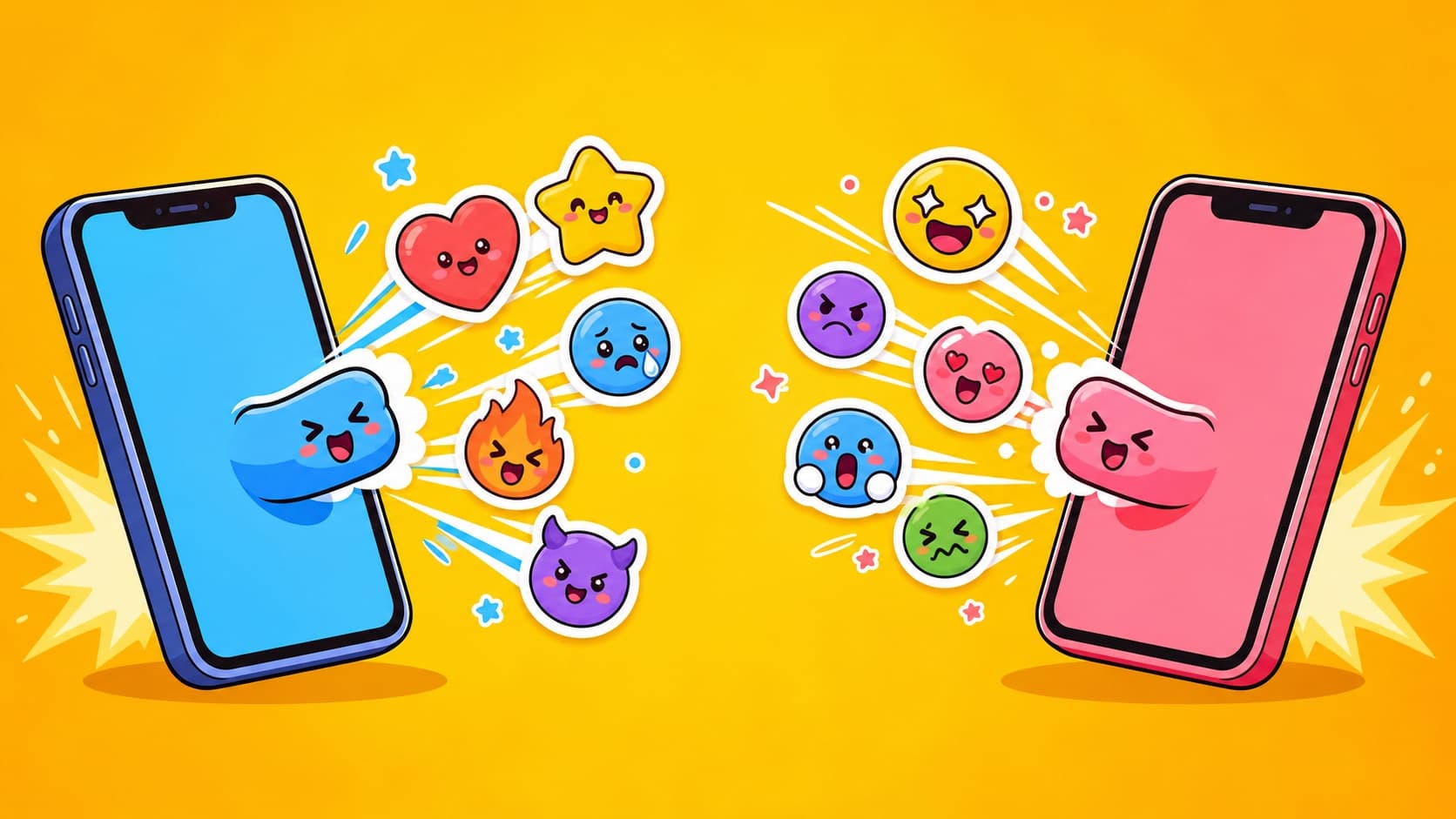
QQ Sticker Guide: Photo to Custom Stickers for China's Meme Battleground
QQ group chats are where sticker battles actually happen. How to turn a photo into a 12-sticker arsenal, add custom stickers on mobile and desktop, and QQ vs WeChat rules.
If WeChat is China's polite living room, QQ is the meme battleground — younger crowd, higher meme density, faster draws. In QQ groups, a pack of stickers starring yourself that nobody else has is an arsenal advantage. Here's photo-to-QQ, with the QQ-specific details flagged.
Step 1: Generate the arsenal
Upload a photo to the photo-to-sticker maker:
- The AI keeps facial identity — sticker battles only land when the target recognizes themselves
- 12 expressions in one batch: laughing, mocking, speechless, shocked, "I'm out"
- Transparent PNGs; add animated GIF versions for extra damage
Step 2: Add to QQ
Mobile: save images → send one in any chat → long-press → Add to Stickers. Desktop: sticker panel → custom stickers → batch import (all 12 at once).
QQ vs WeChat, practically
| Custom sticker cap | Generous (thousands) | Limited, needs pruning |
| GIF handling | Barely compressed | Heavily compressed |
| Sticker battles | The main arena | Restrained |
QQ's generous cap means you can hoard entire series — it's built for arsenal-keeping.
Group plays
- Class/dorm groups: a group photo becomes a multi-character pack — drop it on day one
- Gaming groups: victory/defeat faces of the squad
- Family groups: parents present — use the respectful edition
FAQ
Same pack for QQ and WeChat? Yes — same transparent PNGs work in both; see the all-platform spec sheet.
Free? Free credits cover the first pack.
More Posts

Why Do Your Stickers Get Blurry? The HD Sticker Guide
You saved an HD image; the chat received a mosaic. The culprit is the sending channel, not the file. Sticker-channel vs image-channel, per-app anti-compression tactics, and HD source specs.


Custom Slack Emoji of Your Team: The Remote-Culture Hack
Every strong Slack culture runs on custom emoji. Turn teammates into reaction emoji (with consent), the upload workflow, and why bold cartoon styles survive 22px.
WeChat Sticker Review Rejections: A Fix for Every Reason (2026)
Rejection isn't the end — unlimited resubmissions are. The 8 rejection causes with concrete fixes each, plus AI-generation-specific review tips for 2026.