7 Sticker-Making Tools in 2026: AI, Editing, and Pack Workflows
Compare KakaMeme, Canva, Fotor, Picsart, Sticker.ly, OpenArt, and Bing through verified public workflows—not scores or untested performance claims.
The seven products in this guide solve different parts of sticker creation. This comparison uses their official public product pages as reviewed on July 12, 2026. It is not a hands-on benchmark, and it does not rank image quality, identity preservation, speed, or value.
Not all seven are dedicated AI sticker-pack generators. Canva is primarily a design-first editor, Sticker.ly focuses on a pack-and-WhatsApp workflow, and Bing Image Creator is a general-purpose image generator. Keeping those categories separate makes the comparison more useful than giving unlike products one score.
Seven tools at a glance
| Tool | Publicly documented workflow | A practical reason to consider it |
|---|---|---|
| KakaMeme | Turns a photo reference into a coordinated 12-sticker pack, with transparent PNG downloads and a separate multi-character path | You want a ready-made personal pack workflow rather than assembling one image at a time |
| Canva | Starts from a template or blank design; its page documents uploaded photos, themed packs, transparent PNG, and print through Canva Print | You want to arrange photos, text, and design elements manually or prepare a printable sticker |
| Fotor | Accepts a text description or photo; its public page describes automatic subject cutout plus shape, size, and text editing | You want to move between prompt generation, photo cutout, and basic editing for individual sticker assets |
| Picsart | Its AI page is a text-to-sticker generator with style selection and PNG, JPG, or PDF export; its photo sticker maker is a separate upload-and-edit flow | You want either prompt-led generation or a photo cutout inside a broader creative editor, and are comfortable choosing the correct workflow first |
| Sticker.ly | Its official site centers on creating sticker packs and sharing them to WhatsApp through the mobile app | Your main task is organizing and moving a pack into WhatsApp rather than generating coordinated artwork from one reference |
| OpenArt | Accepts a text prompt, a reference photo, or both; its page also points to style controls, background removal, and PNG output | You want to explore styles from text or a photo and refine individual results in an image-editing workflow |
| Bing Image Creator | Generates general images, supports image upload and offers models including GPT-4o | You want broad image ideation or photo transformation and can handle sticker borders, transparency, sizing, and pack assembly separately |
The table describes what each provider currently publishes, not what KakaMeme independently verified in a controlled test. Product interfaces and access conditions can change, so use the links to confirm the workflow before uploading personal photos or building a large pack.
How the workflows differ
1. Coordinated pack generation: KakaMeme
KakaMeme starts with the pack as the deliverable. Its photo-to-sticker workflow creates 12 coordinated expressions from a photo reference, while the multi-character workflow is intended for references containing more than one subject. Downloads are transparent PNG files.
That structure matters when your goal is a personal reaction set. It reduces the need to create, name, and visually align every asset separately. It does not guarantee that every source photo will produce the same level of likeness, so review the generated set before publishing or converting it for a messaging platform.
2. Design and print preparation: Canva
Canva's official sticker maker describes templates, blank designs, uploaded photos, themed packs, transparent PNG, and print through Canva Print.
This makes Canva a design editor first. It is relevant when you need to place text, logos, shapes, and multiple visual elements precisely. If your source is a photo, confirm which background-removal and transparent-export features are available in your current account before committing to that route.
3. Text or photo to an editable sticker: Fotor
Fotor's official AI sticker page documents two starting points: a written description or an uploaded photo. For photos, it describes subject detection, background removal, and a cutout-style border. The same page lists controls for shape, rotation, size, fonts, and text effects.
That combination suits individual sticker assets that need basic edits after generation. The public page does not establish how consistently a person will look across a full reaction pack, so do not treat a single-image workflow as proof of pack-level consistency.
4. Prompt generation and photo cutout as separate paths: Picsart
Picsart's AI sticker page focuses on written prompts and style selection. It lists PNG, JPG, and PDF export. Picsart also maintains a separate photo sticker maker for uploading an existing image, removing its background, adjusting it, and downloading it.
Choose the path before starting: the AI page is for text-led generation, while the photo sticker maker is for an image you already have. A broader editor can help with finishing work, but coordinated expressions still require a deliberate pack plan.
5. Pack organization and WhatsApp delivery: Sticker.ly
Sticker.ly's public site presents the product as a mobile route to make packs and share them on WhatsApp. Its official FAQ also treats WhatsApp export as a core workflow.
This is a distribution-oriented distinction. If you already have the artwork and need pack organization plus WhatsApp transfer, Sticker.ly belongs on the shortlist. Its public homepage does not document the same photo-to-coordinated-pack generation flow as KakaMeme, so check the current app rather than assuming those jobs are equivalent.
6. Style exploration from prompts or references: OpenArt
OpenArt's official sticker generator accepts text, a photo, or a combination of both. It describes multiple visual styles and an editing path that includes background removal and transparent PNG output.
This makes it relevant for style exploration and one-off assets. When you need a set, use a repeatable prompt and review every item for visual continuity; the provider's published capabilities are not an independent guarantee of consistent likeness.
7. General image creation that needs a sticker finishing step: Bing
Microsoft's current Bing Image Creator page describes broad prompt-based generation, supports image upload and offers models including GPT-4o, plus optional animation. It does not present Bing as a dedicated sticker-pack builder.
Use it when the creative image itself is the main task. For a chat-ready pack, plan additional work for cutout quality, transparent background, dimensions, file format, naming, and import.
Choose by the job you need to finish
| Your actual deliverable | Start by evaluating |
|---|---|
| A coordinated reaction pack from one photo | KakaMeme's photo-pack workflow |
| A manually composed sticker or printable design | Canva |
| One generated or cutout sticker with basic edits | Fotor |
| Prompt-generated art or a photo cutout inside a broader editor | Picsart |
| An existing set that needs WhatsApp pack organization | Sticker.ly |
| Prompt-and-reference style exploration | OpenArt |
| General image ideas that you will finish as stickers elsewhere | Bing Image Creator |
Five checks to apply to every tool
- Input: Does the documented workflow accept text, one photo, several subjects, or only an existing asset?
- Deliverable: Does it make one image, a coordinated set, a printable sheet, or an importable messaging pack?
- Editing: Can you refine the cutout, outline, text, and canvas without moving to another product?
- Export: Confirm transparency, file type, dimensions, watermark rules, and the target app's import specification.
- Current terms: Recheck account access, privacy, storage, and commercial-use terms on the day you use the service.
The seven workflows do not produce the same deliverable, so one universal choice would be misleading. Define the finished asset first, verify the provider's current documentation, and then test a small non-sensitive reference before processing an important photo collection.
For a deeper look at the two most different pack-building approaches, read KakaMeme vs Canva.
Author
Categories
More Posts

Matching Couple Avatars + Stickers from One Photo (AI Guide)
Matching profile pictures are a couple ritual; matching sticker packs are the upgrade. One photo generates both — same characters, same style, one of one.
Sticker Making FAQ: 20 Questions Everyone Asks, Answered
The complete FAQ: making stickers of your face for free, fixing blurry sends, size specs, legality of using others' photos, selling AI packs, and cross-platform use.
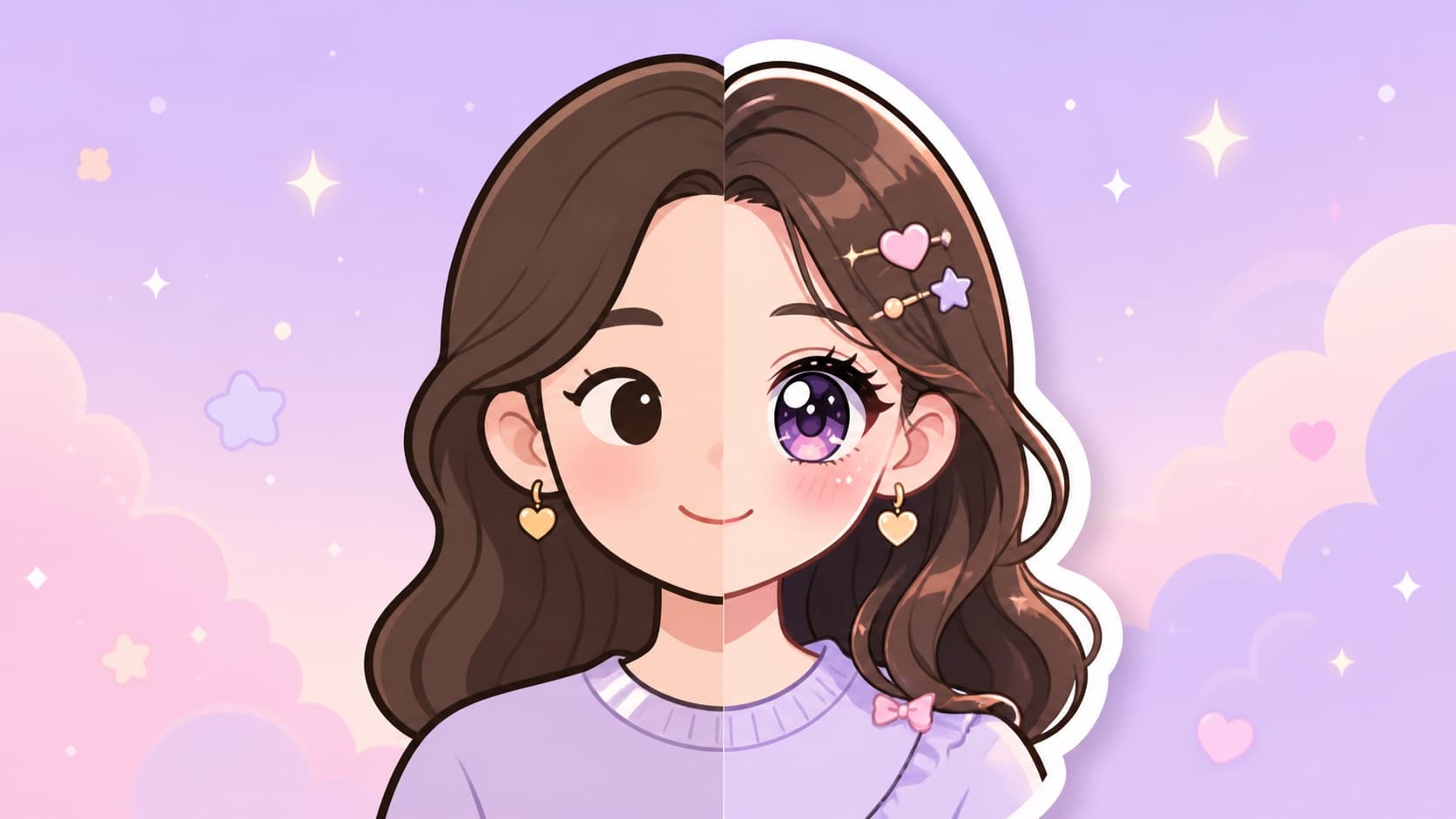
Turn Yourself into an Anime Sticker Pack (Style Guide, 2026)
Anime-style stickers of yourself — sparkle eyes, dramatic despair — while staying recognizable. Which anime styles work best and how to steer them.