Custom Slack Emoji of Your Team: The Remote-Culture Hack
Every strong Slack culture runs on custom emoji. Turn teammates into reaction emoji (with consent), the upload workflow, and why bold cartoon styles survive 22px.
 KakaMeme Editorial TeamPublished

You can read a company's culture from its custom emoji list. Generic ones (:thumbsup:) do the work; personal ones (:dave-approves:) do the bonding. When a teammate's actual face — grinning, facepalming, celebrating — becomes a reaction emoji, remote teams get something offices had for free: inside jokes with faces attached.
The consent rule, first
Same rule as friend stickers, but stricter because it's a workplace: opt-in only, and let people veto specific expressions. The best rollout is making it a team event — everyone submits a photo, everyone gets an emoji set. Nobody is the joke; everyone is the joke.
The pipeline
- Each teammate submits one clear photo (or makes their own pack — better for consent hygiene)
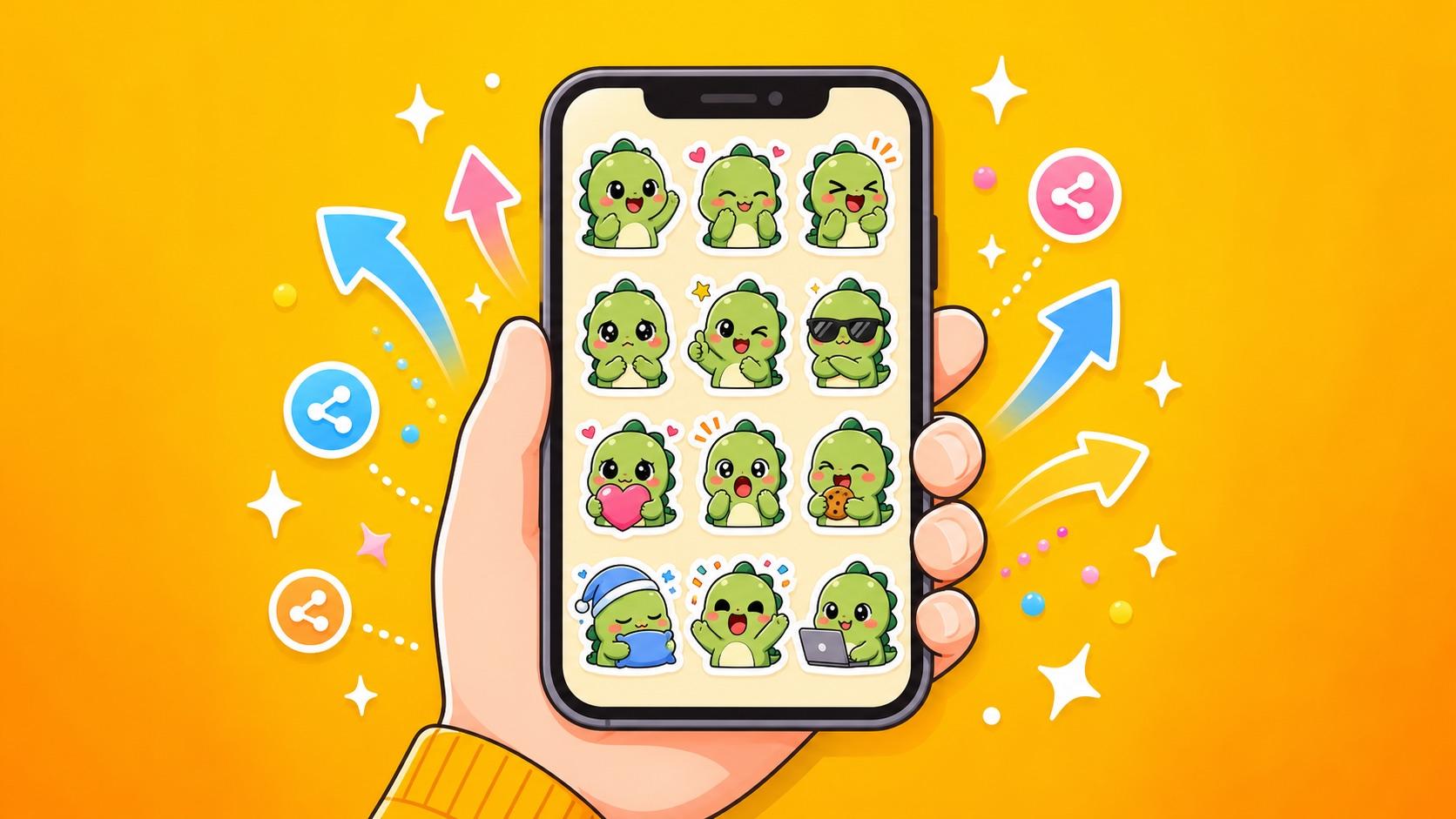
- Generate through the face-to-sticker maker: 12 expressions per person, identity preserved
- Pick the 3-5 emoji-worthy ones per person: approve, facepalm, mind-blown, celebrating, thinking
- Upload: Slack → workspace name → Customize Slack → Add custom emoji. Name them memorably:
:ana-shipped-it:,:sam-hmm:
Why cartoon beats photo at 22 pixels
Slack renders emoji at about 22×22 px. Photo cutouts turn into unrecognizable smudges at that size; bold-outline cartoon faces stay readable — which is why sticker-optimized generation (thick lines, exaggerated expressions) happens to be exactly the right art style for Slack emoji. Crop to the face before uploading for maximum legibility.
Where they change team behavior
- Code review:
:approved:with the reviewer's actual delighted face lands differently - Incident channels: the on-call engineer's
:this-is-fine:variant, used by the on-call engineer - Wins: a
:founder-celebrating:reaction beats a wall of 🎉 - Onboarding: new hire's emoji set shipped in week one = "you're one of us" faster than any handbook
FAQ
Emoji size/format limits? Square images ≤128 KB; GIFs work for animated emoji. Slack downscales automatically — start from the 512px transparent PNGs and crop tight to the face.
Who can add emoji? By default any member; admins can restrict it under workspace settings.
What if someone leaves the company? Emoji etiquette: retire their set unless they say keep it. It's their face.
Turn this guide’s idea into stickers
Upload a character photo or describe your idea, then choose how to generate it.
Open the studio Upload a photo, write an idea or use the article’s example. This article has its own draft, separate from your home draft.